Archive for the ‘Games Linux’ Category

ASCII PacMan (Pac-Man) for Linux and FreeBSD / Play online ASCII Pacman

Wednesday, May 26th, 2010

ASCII Pacman image

Since just few days ago it was the birthday of Pac-Man game (The abolute classic game among ’80s arcardes).
I decided to try to look if there is an ASCII Pacman available somewhere.
Luckily there are number of ASCII versions of the classic arcade PacMan for both Linux and FreeBSD, I thought,it doesn’t worth the time to check if ASCII Pacman is also available for Windows OS.
For all the ASCII game fans out there I’ve installed ASCII PacMan FreeBSD version on the Play Cool FreeBSD ASCII games free page From there you can play a number of cool ascii art games online via telnet, the reasons I took the time to add the ASCII Pacman to the list of possible games to play is that it’s a shame that the list misses one of the most notable games if not the most notable ever made.

For Linux I’ve found three version of ASCII Pacman:

1. The best looking one is probably ASCII Pacman Linux clone game available on sourceforge.net
You can download ASCII Pac-Man 0.9.1 from here

I’ve included 2 files with instructions on installation and usage of the game. I saw that as a completely necessery since,the game controls of the elsely nice looking game are hard to get. To play the game you will need to use the game controls:
z,x – to move right and left and m,k for up and down .

2. A bit more ugly and less interactive is another version of ASCII PacMan called:
Pac-Man for Console or simply Console Pacman

This two compiled without any troubles on my Debian GNU/Linux squeeze/sid Linux .
Unfortunately the up-mentioned ascii version of pacman won’t work on FreeBSD

3. The ASCII Pacman that is running and compatible with FreeBSD is called Pacman ASCII and herein is it’s home page

PacMan ascii is a way less sophisticated, so don’t expect too much of it. Originally Pacman ASCII was a project by some French guy in with the main task to learn C++.
Anyways he did a good job, since his little ascii pacman game is compatible with FreeBSD as well.
You can download ASCII Pacman for FreeBSD here

I did some minor modifications to few of the ASCII Pacman .cpp files in order to change the default help and game language from French to English, since French would be cryptic to most of the non-french users.

Linux release of the game Savage Wheels (Destruction Derby like game) is out!

Friday, September 17th, 2010

Savage Wheels Game for Linux

A close friend of mine Pro-Xex (a.k.a. Necroleak) has released Savage Wheels game for Linux.

The Savage Wheels game is a recreation of a game in a way similar to the good old Destruction Derby that most of the hard code old school arcade know very well.

The Savage Wheels has been an existant for a long time for a free download. However for a couple of years the Pro-XeX decided not to publish it’s code publicly, his considerations were that the code is too messy and not ready to go public.

For almost 2 years now the game source code has been existent openly for download from a source repository at google code

Though the source was there for download, until recently, the game source code was not ready to compile on Linux, though the game’s programming style used is 100% compatible with the Linux / BSD platform.

Right now the game is licensed under the MIT free software license
A few weeks before Peter (Pro-Xex) has contacted me and shared and told me the good news, that he has finally ported the game for the Linux platform and asked me to help him a bit with the game testing!
I thought this is pretty cool, but I was busy until this very day that I actually downloaded the compiled binary of Savage Wheels on my Debian Testing/Unstable (Squeeze/Sid) and gave it a try.

I’m running the 64 bit Debian release, featuring kernel version:

Linux noah 2.6.32-5-amd64 #1 SMP Wed Aug 25 13:59:41 UTC 2010 x86_64 GNU/Linux

Installing the game was a really easy all I had to do is download the archived binary of the game and untar it into a new directory I’ve created for the game.

hipo@noah:~$ mkdir savagewheels
hipo@noah:~$ cd savagewheels
hipo@noah:~/savagewheels$ wget -c http://savagewheels.googlecode.com/files/savagewheels-1.4-linux-x86.tar.gz
hipo@noah:~/savagewheels$ tar -zxvf savagewheels-1.4-linux-x86.tar.gz

It will take like few secs until the game source gets extracted:

To go and start up the game I directly tried executing the game main binary file savagewheels , like you can see below

hipo@noah:~/savagewheels$ ./savagewheels
./savagewheels: error while loading shared libraries: libfmod-3.75.so: cannot open shared object file: No such file or directory

The error in loading library was pretty unexpected, but counting the fact that I’m one of the first people that test the game on Linux I guess it’s pretty normal.
In order to resolve the missing shared library on game execution It was necessary to copy the libfmod-3.75.so to /usr/local/lib/

To do so I issued as a root user:

hipo@noah:/home/hipo/savagewheels# cp -rpf libfmod-3.75.so /usr/local/lib

In case if you don’t want to copy the libfmod-3.75.so into /usr/local/lib, it’s also possible to use the shell export command to specify the exact location of libfmod-3.75.so to your current known systemlibraries.

If you prefer it that way issue command:


hipo@noah:~/savagewheels$ export LD_LIBRARY_PATH=.:$LD_LIBRARY_PATH

Now when I invoked the savagewheels game binary once again:
hipo@noah:~/savagewheels$ ./savagewheels

the game poped up in a window.

As I’ve red in the Readme.html file it’s already noted there that by default the game would run in window mode instead of full screen due to some bugs or video drivers etc.
Happily it was indicated in the Readme file that in order to run it in fullscreen, it’s necessary to invoke the game binary with the -force-fullscreen option included, e.g. running it in fullscreen comes to:

hipo@noah:~/savagewheels$ ./savagewheels -force-fullscreen

At first I was a bit confused when the game poped up before I notice the left side menu which appears could be only reached with the mouse pointer. So I warn you that if you go to give the game a try you will probably wonder how to start up the game after the game entry window with menus appears.

Since the game is so new with Linux it has several bugs to be fixed, one of the bugs is that the Window in which the game pops up by default couldn’t be closed if you press the close window button.

Another thing I do notice is that when I play sometimes during a I crash another car, my car gets stucked for a while.

Another thing which is not very intuitive about the game is the player keys, they could be fount expolained in Readme.html

But I’ll post them here as well to facilitate my dear readers who might be willing to play the game immediately without reading boring docs 🙂

So Player 1 keys are:

arrow keys to move
UP (accelerate up)
LEFT (turn left) RIGHT (turn right)
DOWN (back gear)
RIGHT CTRL - to place landmines
DELETE - self destruction

I think giving the player 1 keys are enough for the player 2 control keys take a quick look in Readme.html

Here is the time to tell you that the game music is absolutely awesome!! So the game is worthy to play just because Pro-Xex has present the user with the wonderful soundtrack that is.

For some further general information related to the game you can read the Savage Wheels game Readme online from here

I would place the game among one of the best car crash games available currently for Linux, so if you’re a arcade game maniac you would probably have a great time with the game.

Play Dune2 on Debian Linux with dosbox – Dune 2 Mother of all Real Time Strategy games

Saturday, March 1st, 2014

medium_1809-dune-ii-the-building-of-a-dynasty_one_of_best_games_ever_linux_windows.gif

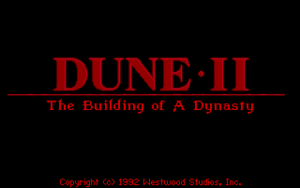
Dune II: The Building of a Dynasty (known also as Dune II: Battle for Arrakis in Europe is a game that my generation will never forget. Dune 2 is the "first" computer Real Time Strategy (RTE) game of the genre of the Warcraft I and Warcraft II / III and later Command and Conquer – Red Aleart, Age of Empires I / II and Starcraft …

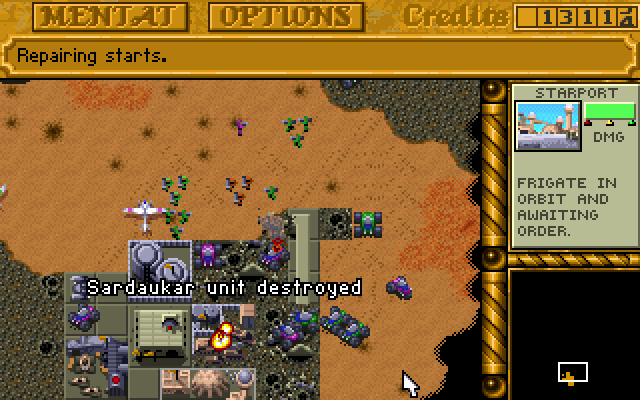
dune2-unit-destroyed

I've grown up with Dune2 and the little computer geek community in my school was absolutely crazy about playing it. Though not historically being the first Real Time Strategy game, this Lucas Inc. 
game give standards that for the whole RTE genre for years and will stay in history of Computer Games as one of best games of all times.

I've spend big part of my teenager years with my best friends playing Dune2 and the possibility nowadays to resurrect the memories of these young careless years is a blessing.  Younger computer enthusiasts and gamers probably never heard of Dune 2 and this is why I decided to place a little post here about this legendary game.

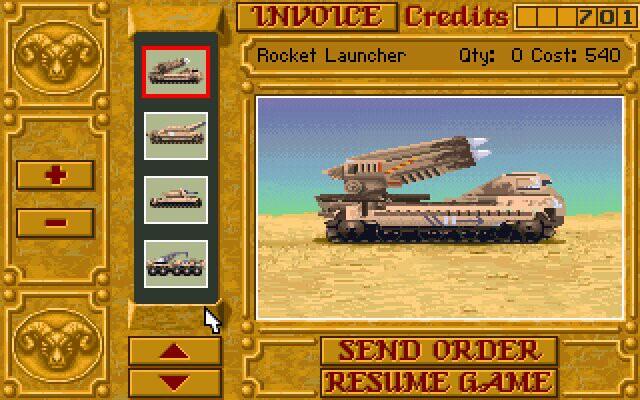
dune-2-tank-vehicle - one of best games computer games ever

Its worthy out of curiosity or for fun to play Dune 2 on modern OS be it Windows or Linux. Since Dune is DOS game, it is necessary to play it via DOS emulator i.e. – (DosBox). 
Here is how I run dune2 on my Debian Linux:

1. Install dosbox DOS emulator

apt-get install --yes dosbox

2. Download Dune2 game executable

You can download my mirror of dune2 here

Note that you will need unzip to uanrchive it, if you don't have it installed do so:

apt-get install --yes unzip

cd ~/Downloads/
wget https://www.pc-freak.net/files/dune-2.zip

3.  Unzip archive and create directory to mount it emulating 'C:\' drive

mkdir -p ~/.dos/Dune2
cd ~/.dos/Dune2

unzip ~/Downloads/dune-2.zip
 

4. Start dosbox and create permanent config for C: drive auto mount


dosbox

To make C:\ virtual drive automatically mounted you have to write a dosbox config from inside dbox console

config -writeconf /home/hipo/.dosbox.conf

My home dir is in /home/hipo, change this with your username /home/username

Then exit dosbox console with 'exit' command

To make dune2 game automatically mapped on Virtual C: drive:

echo "mount c /home/hipo/.dos" >> ~/.dosbox.conf

Further to make dosbox start each time with ~/.dosbox.conf add alias to your ~/.bashrc 

vim ~/.bashrc
echo "alias dosbox='dosbox -conf /home/hipo/.dosbox.conf'" >> ~/.bashrc
source ~/.bashrc

Then to run DUNE2 launch dosbox:

dosbox

and inside console type:

c:
cd Dune2
Dune2.exe

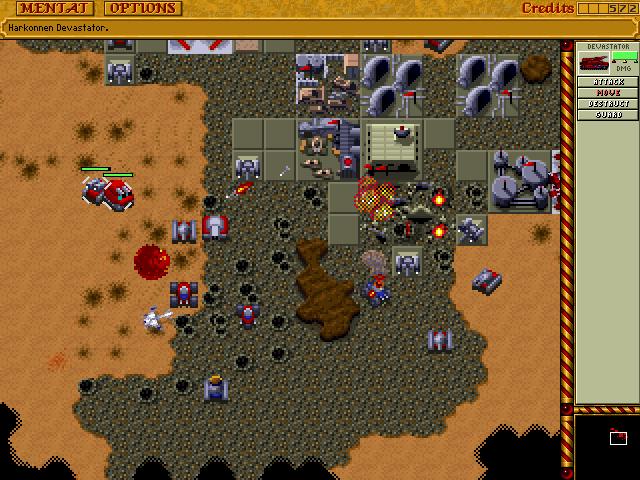
dune2-first-real-time-strategy-game-harkonen-screenshot

For the lazy ones who would like to test dune you can play dune 2 online on this website

Frogatto & Friends – One of the TOP 10 Arcade Free Software & Open Source Games for GNU / Linux and FreeBSD

Friday, December 16th, 2011

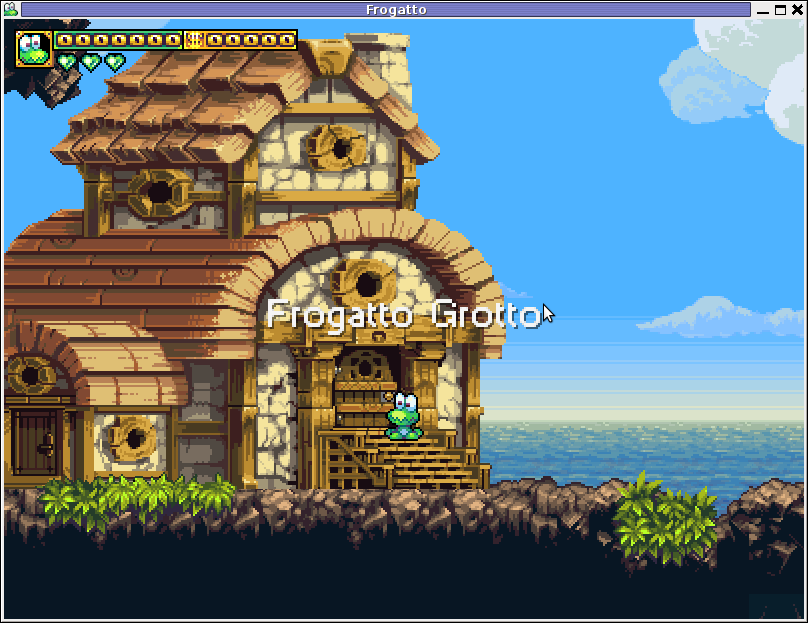
Frogatto old-school 2d jump and run free software game for GNU / Linux and FreeBSD
1. Frogatto & Friends – Is an Indian Free Software (Open Source) game in the spirit of old-school jump’en runs like Commander Keen, Prehistoric, Jazz Jack Rabbit

The game is really entertaining, the graphics looks approximately nice, the music is awesome, the gamelplay is good even though after some point in the game the moment with “where should I go now, I can’t find exit” comes through and it gets boring.

Generally if you compare with all the existing jump and run arcade games free software games available for Linux and FreeBSD the game will definetely arrange itself in the list of TOP 10 free software Arcade Games
and therefore its my own believe that Frogatto is a game that every GNU / Linux and FreeBSD desktop should have in Application -> Games GNOME menu.

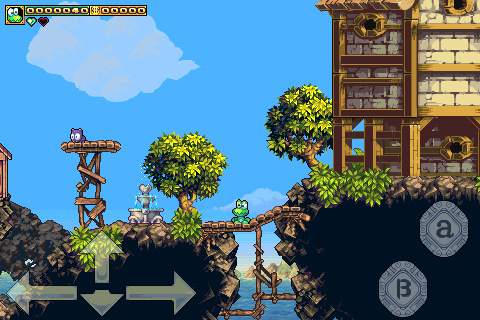
Frogatto is rich of levels, enemies obstacles objects, places to visit (which puts it ahead of many of the linux arcade games which often miss enough game levels, has a too short game plots, or simply miss overall game diversity).

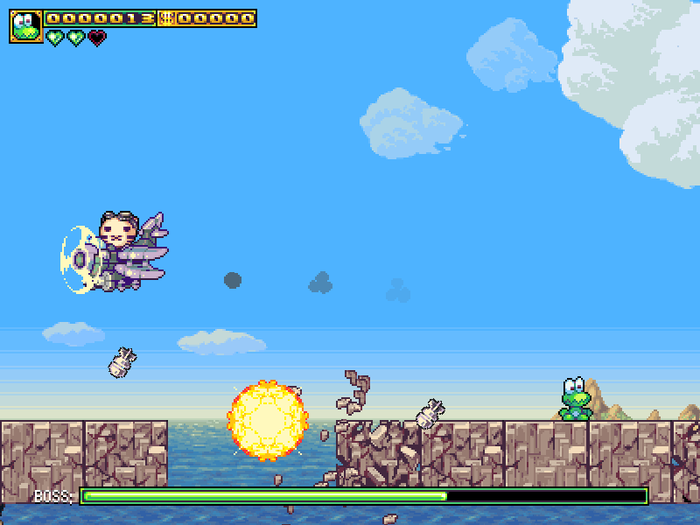
Frogatto linux freebsd game bombing airplaine

The game’s general look & feel is like a professional game and not just some tiny free software arcade, made by its authors for the sake to learn some programming, graphics or music creation.
Frogatto door leading to Grotto

Frogatto Free Software game wood screenshot

Besides that Frogatto & Friends is multi-platform supporting all the major operating systems.
Game supports:
 

  • Windows
  • Mac
  • iPhone
  • Debian GNU / Linux
  • FreeBSD

The game source code is also available on Frogatto.com – The Game’s Official website

The game is available as a deb package in Debian and Ubuntu GNU / Linuxes so to install on those deb based distributions, simply use apt:

debian:~# apt-get install frogatto
...

The above command will install two packages frogatto (containing the game’s main executable binary) and frogatto-data containinng all the game textures, levels, graphics, music etc.

BTW the package saparation on a gamename and gamename-data in Debian (for all those who have not still noticed), can be seen on most of the games with a game data that takes more disk space.

After the game is installed the only way to start the game is to run it manually through pressing ALT+F2 in GNOME or running the progrtam through gnome-terminal with cmd:

debian:~$ frogatto

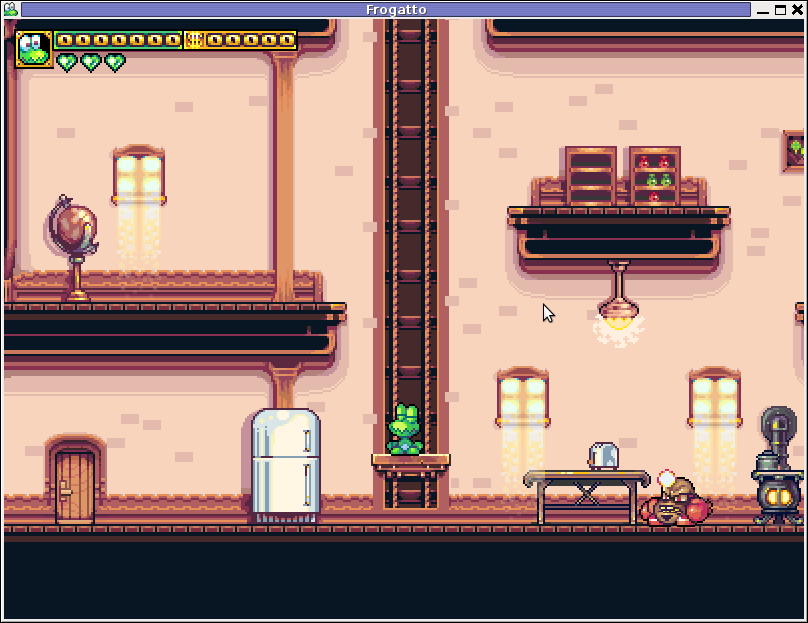
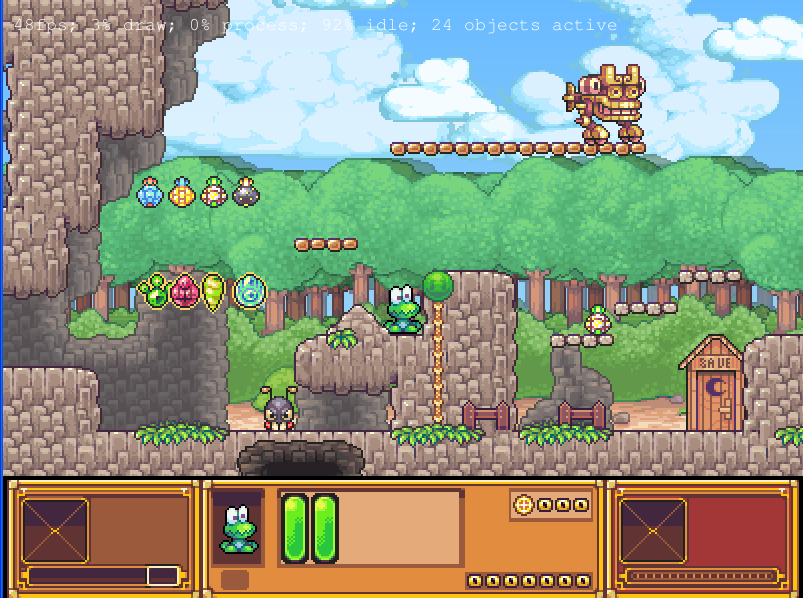
Here are few more Frogatto gameplay screenshots:

Frogatto free open source game screenshot a game bad guy

Frogatto different level screenshot

I’ve noticed Frogatto is also available as an RPM package for Fedora Linux, as well as has a FreeBSD port in the /usr/ports/games/frogatto and this makes it easy to install on most free software OSes in the wild.

While checking frogatto.com , I found an interesting link to a website offering free graphics (pictures), textures and sounds for free and open source games for all those who hold interest into the development of Free Software & Open Source Games make sure you check OpenGameArt.org

OpenGameArt.org looks like a great initiative and will definitely be highly beneficial to the development of more and better FSOS Games so I wish them God speed with this noble initiative.

Frogatto is very suitable for growing kids since it doesn’t contain no violence and every now and then the main game actor the Frogatto Frog leads few lines English dialogues with some of the characters found in the quest.
For none speaking English countries, the game can help the kids to learn some basic english words and thus can help develop kids intellect and knowledge
And oh yeah one more criticism towards the game is the Enlish structure, it seems people who wrote the plot can work this out in the time to come. Many of the English sentences during dialogues the frog leads with the cranks he met does not sound like a common and sometimes even correct english / phrases.

Besides those little game “defect”, the game is pretty awesome and worthy to kill some time and relax from a long stressy day.

Play Ascii Games on Pc-freak – Get back memories of the ASCII times

Tuesday, August 4th, 2009

I was considering starting a new ‘ascii games service’. Thus I’ve created a user `play` to provide a bunch of nice FreeBSD based ascii games able to be played directly through SSH (For all lacking a nice tty compatible client like gnome-terminal), try with PuTTY . To play the games:

telnet or ssh to: ascii-games.www.pc-freak.net
login with user: play
password: playnow

Enjoy!

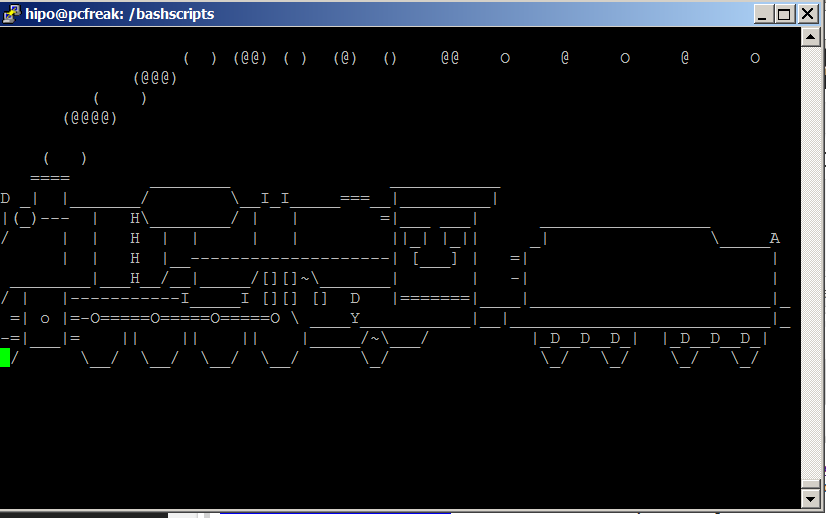
SL Animated console train for your Linux – useless commans to cheer you up when you mistype ls

Tuesday, February 18th, 2014

sl-cool-program-to-cheer-you-up-when-you-make-a-mistake-on-linux-console

Some time ago I blogged about how to make your sysadmin more enjoyable with figlet and toilet console ASCII art text generators
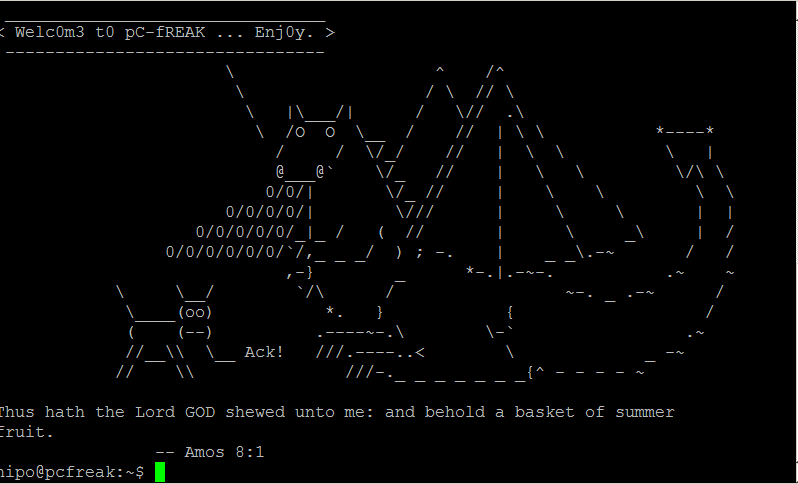
Besides toilet and figlet another cool entertainment proggie is cowsay. On my home Linux router I use cowsay together with a tiny shell script to generate me a random Cow Ascii Art fun picture each time I login to my Linux. cowrand is set to run for my user through ~/.bashrc.

cowsay print cheerful pictures on your linux console / terminal login how to

In the spirit of ascii art fun arts today I've stumbled on another cool  and uselesss few kilobytes program called "SL". SL is very simple all it does is it cheers up you by displaying a an animated train going through the screen once you type by mistake "sl" instead of ls (list command).
To enjoy it on debian based distributions install it with apt:

# apt-get install --yes sl

SL 's name is a playful joke itself as well it stands for Steam Locomotive.

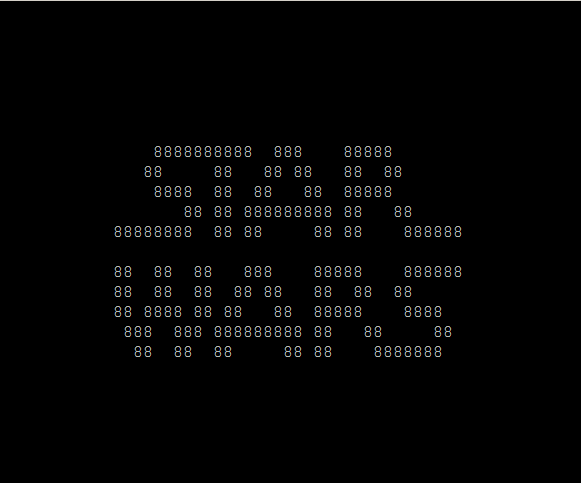
To get some more ASCII art fun, try telnetting to  towel.blinkenlights.nl – There is a synthesised ASCII Art text version video of Star Wars – Episode IV

# telnet towel.blinkenlights.nl

watch all star_wars episode 1 in ascii art video

If you know other cool ASCII art animation scripts / ASCII art games or anything related to ASCII art for Linux / Windows, please drop me a comment.
 

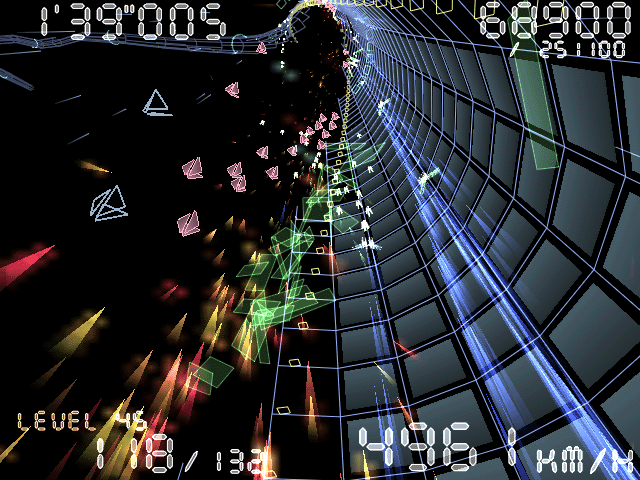
Torus Trooper – Cool 3D Tunnel Speed Up Spaceship game for Linux

Wednesday, December 18th, 2013

Torus Trooper linux tunnel 3d fast pace speed up game screenshot

Whether you're looking for a game to kill some time and enjoy the old "spaceship shoot and run games" check out Torus Trooper.
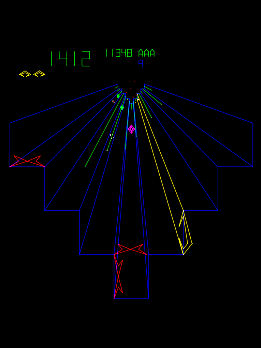
Originally game was developed for MS Windows and is remake of an old Atari Arcade Game Tempest.

Those who played Tempest know well that this game was revolution for its time and probably remember also a similar world famous Space Duel game.

Arcade atari old scool tunnel game tempest one of atari pre 3d game classics

Atari's Tempest Arcade game

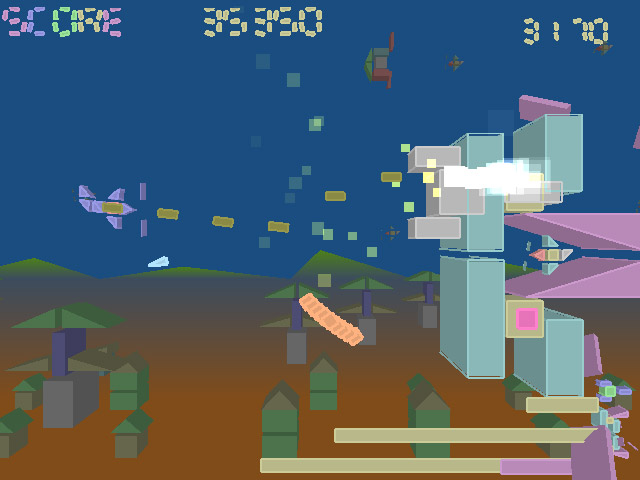
The objective of Torus Trooper is mega simple as in most arcade games. You're speeding up through a tunnel all time with a spaceship with the only goal to kill as many enemies  as you can and survive as longer as possible. Playing the game you can get some memories of demoscene tracked music, future crew Second Reality / Unreal demos. Game was created by ABA GAMES company, authors Tumiki Fighters and GunRoar another 2 nice 2D Linux arcade games.

TUMIKI Fighters the boss level 1, 2d linux arcade game classic

Tumiki Fighters

Gunroar another cool linux arcade 2d game

GunRoar

Probably best thing of Torus Trooper is its nice graphics and superb demoscene like soundtrack.
I truely love the pace of the game, raising up the player adrenaline in minutes.
To install in a bundle Torus-Trooper Tumiki Fighters and Gunroar on Debian / Ubuntu Linux run the usual:

debian:~# apt-get install --yes torus-trooper tumiki-fighters gunroar
...

There is also a variation of torus-trooper called Torus Trooper, install and give it a try as well;

debian:~# apt-get install -yes torus-trooper-pure
...

In my humble opinion Torus-trooper is among golden games every Linux gamer should have installed on his Desktop.
Enjoy 🙂
 

Install xmame from source on Debian Linux 7.0 (Wheezy) to play for better MAME (Arcade Games Emulation)

Thursday, May 30th, 2013

xmame logo install xmame on latest stable debian

Whether you're keen on playing old school arcade games. And you just updated or installed latest stable Debian 7 Wheezy. You will find out current installable Mame (Arcade Emulator) package cannot play many of the hot Games, even though game rom files are okay and you might have played those games in some previous versions of Debian with now obsolete but apparently better working emu  xmame.

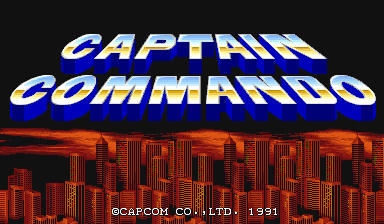
As playing Captain Command, Xain'D Sleena, Cadillac & Dinosaurs and Punisher Classic Arcades is one of my great entertainments when I have some free time. I took the time to find out if xmame is still installable either by deb package or from source.

Unfortunately xmame for latest Debian releases is not available from unofficial repositories, so I proceeded with installing it from source. Thanksfully source install was successful. Hence, below is explained how to install xmame from source on Debian Wheezy and Debian testing/unstable.
First before compiling install a bunch of development packages necessary for proper compilation:

# apt-get install --yes zlib1g-dev
# apt-get install --yes libexpat1-dev
# apt-get install --yes libghc-x11-dev
# apt-get install --yes x11proto-video-dev
# apt-get install --yes libxv-dev

Download xmame 0.103 source archive (xmame-0.103.tar.bz2)

Tar archive doesn't have configure script so to compile it just run make ;

# cd /usr/local/src
# tar -jxvvf xmame-0.103.tar.bz2
# su hipo
cd xmame-0.103
$ make
...
....
$ exit
# make install
.....


In case some header .h file is still missing and compile fails, as it happened to me on few occasions. You can install and use apt-file;

One important note is xmame's build will take very long on my machine with 2Gb of Memory and Dual Core 1.8 Ghz it took about 1,.30 or 2 hours. 

# apt-get –yes install apt-file
# apt-file update

To find from which package the the missing .h file can be installed

# apt-file search Header-Name.h

Then just install package which will provide needed header.

Next step is to create xmame config file:
# mkdir /usr/local/share/xmame/
xmame-0.103$ cp -rpf ./src/unix/doc/xmamerc.dist /usr/local/share/xmame/xmamerc

In xmamerc set proper location for Mame ROM files:

# vim /usr/local/share/xmame/xmamerc
Find line;

rompath                 /usr/local/share/xmame/roms

and change it to whether Rom files are located. In my case they're in /disk/Games/Mames/roms, so change rompath to;
 

rompath                 /disk/Games/Mames/roms

There are some other configurations which you might want to tune. A well configured xmamerc that works fine for me is here

Finally link xmame.x11 to /usr/bin/xmame

# ln -sf /usr/local/bin/xmame.x11 /usr/bin/xmame

After having properly configured XMamE'S roms Directory to launch a game, for example punisher.zip or captcomm.zip:

$ xmame punisher
....
 $ xmame captcom
....

captain_commando_arcade-game-logo running on xmame Linux

P.S. !

If you're running this old piece of software on newer Debian Linux like Debian 12 you should use a special wrapper as the x11 default video-mode  1 (might not work, could be crashing with Segmentation fault). To make xmame still work with roms, in xmamerc config use video-mode 2 setting and a small shell script like the one below to make XMAME work fullscreen.

#!/bin/bash

# Check if a ROM was provided
if [ -z “$1” ]; then
    echo "Usage: $0 <romfile.zip>"
    exit 1
fi

ROM="$1"

# DP1 monitor scaling factor to fill 2560×1440 (adjust if needed)
SCALE="1.78×1.78"

# Scale DP1 output
xrandr –output DP1 –scale $SCALE
# Hide panels
gsettings set org.mate.panel.general autohide true

sleep 1;
# Launch XMAME X11 in the background
aoss xmame.x11 -fullscreen "$ROM" &

# Wait a moment for the window to appear
sleep 0.5
# Restore panels
gsettings set org.mate.panel.general autohide false
# Focus the XMAME window (requires wmctrl)
wmctrl -a "XMAME"

# Wait for XMAME to exit
wait $!

# Reset DP1 scaling after exiting
xrandr –output DP1 –scale 1×1


I've build xmame from source on Debian but I suppose same guide should be working okay on Ubuntu, Mint and rest of Debian distributions. I'll be happy to get feedback if someone succeeded running xmame on other distro. If you do please drop me a comment with distro name and specifics or problems faced.

Playing Mame Arcade old school games on Debian Wheezy 7.0 Linux

Wednesday, May 29th, 2013

Play arcade games on Debian GNU Linux 7 Wheezy Tux arcade logo

To play the good old arcade on Debian Linux in previous releases I used GNOME's xmame frontend gxmame in Debian 5.0 Lenny and in Debian 6.0 gxmame was no longer working fine so I was using a KDE package frontend called kamefu.

Yesterday I just re-installed my laptop with latest stable Debian 7 Wheezy and after installing re-installing all packages I regularly use it happened gxmame and kamefu are no longer available in Debian 7. It was kinda of shocking since I already so much get accustomed to kamefu that I don't want to switch to other Mame GNOME GUI frontend.

I tried building kamefu from source (btw kamefu is still in very early development stage 0.1 with no luck). After the epic fail and my laziness to look for what kind of header files part of KDE I have to install. I read what is written on Mame in Debian Wiki here and found out about existence of new package in Debian 7 – gnome-video-arcade, as well understand the so far well knon xmame package is substituted by one called mame. Though name changed mame is not much different from xmame. In theory mame pack should be complete substitute for xmame but in practice my experiments showed xmame was running much more ROM files than the new mame binary.

Here is what I did to have running most of my Mame ROm files on Debian 7 Linux;
 

1. Install mame gnome-video-arcade, mame-tools and xmame-tools debs

noah:~$ apt-get --yes install mame mame-tools xmame-tools
...


2. Create default config file for mame bin
noah:~$ cd .mame
noah:~/.mame$ mame -cc

mame -cc command generates mame.ini config file;

noah:~/mame$ ls -al mame.ini
-rw-r--r-- 1 hipo hipo 6660 май 25 18:31 mame.ini

3.Add location to Mame Rom files in config file

noah:~/mame$ vim mame.ini

Near beginning of file there is section:


#
# CORE SEARCH PATH OPTIONS
#
rompath                   $HOME/mame/roms;/usr/local/share/games/mame/roms;/usr/share/games/mame/roms;

At the end of rompath include location of MAME ROMs in my case ROMS are located in;
/disk/Games/Mames/roms
 

rompath                   $HOME/mame/roms;/usr/local/share/games/mame/roms;/usr/share/games/mame/roms;/disk/Games/Mames/roms;

Further on to test which ROMS will work and which not compatible;

noah:~/mame$ mame -verifyroms |grep -i good
1941j       : yi22b.1a (279 bytes) - NOT FOUND - NO GOOD DUMP KNOWN
romset 1942a [1942] is good
1943        : bm.7k (65536 bytes) - NOT FOUND - NO GOOD DUMP KNOWN
1943kai     : bm.7k (65536 bytes) - NOT FOUND - NO GOOD DUMP KNOWN
1943u       : bm.7k (65536 bytes) - NOT FOUND - NO GOOD DUMP KNOWN
romset 1944 is good
romset 1944j [1944] is good
romset 280zzzap is good
romset 3kokushi is good
romset 3stooges is good
romset 4dwarrio is good
.....


4. Launch gnome-video-arcade binary

noah:~/.mame$ gnome-video-arcade

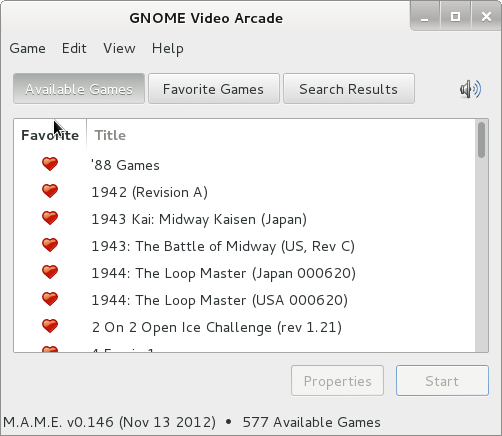
On first run, you will have to wait a about 10 minutes for program to Index all Rom files it loads up the CPU severely and looks like the program is hanged …

GNOME video arcade debian Linux play arcade games GUI program screenshot
 

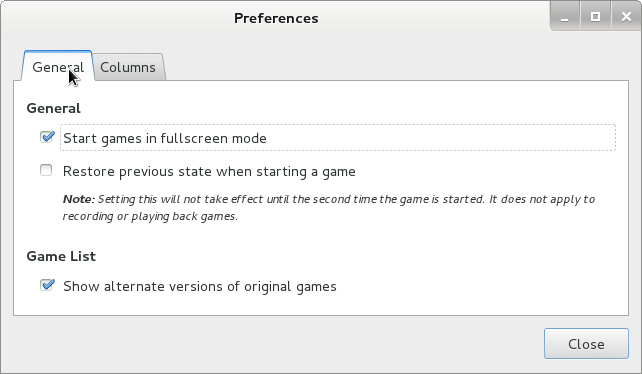
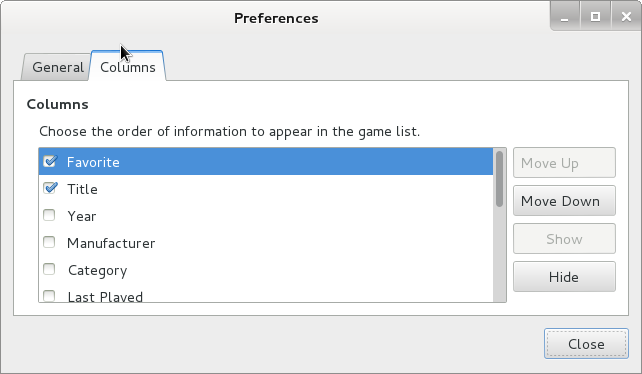
As you can see the interface is very simplistic, there is Preferences (menu) but there is almost nothing to configure;

GNOME Video arcade Debian Linux preferences general

AA
Gnome video arcade games on debian linux preferences columns One very unpleasent thing is many of the best games didn't work anymore. Some great arcade games like Punisher, Captain Command, Cadillacs and Dinosaurs who worked perfectly fine on old xmame + kamefu, don't work anymore with mame + gnome-video-arcade.

Besides its simplicty gnome-video-arcade has the precious feature to Record Played Games. To record yourself playing and later replay it use menus;

Game -> Record

or use shortcut (CTRL+R)

BB – A must see ASCII Art Audio / Video portable demo for Linux, FreeBSD, UNIX and DOS

Thursday, May 24th, 2012

bb Audio Visual ASCII art Linux FreeBSD demonstration old school demo logo

I know and I have enjoyed BB – Portable Demo for already a decade.
I'm sure many newbies to the Free And Open Source (FOSS) realm don't know or heard of bb's existence as nowdays ASCII art is not so well known among youngsters. Hence this short post aims to raise some awareness of the existence of this already OLD but GOLD – awesome! text console / terminal demonstation BB 🙂

bb is pretty much in the spirit of Oldschool Assembly DOS demo scene dominating the geeks dome in the late 80's and yearly 90's.

Historically bb used to be one of the main stunning things one could show to a fellow GNU / Linux new comer.

For the year 2000, seeing all this awesome ASCII video demo running on free Operating System like GNU / Linux was a big think.
The fact that such an advanced ASCII art was distributed freely for an OS which used to exist since only (6 / 7 years) was really outstanding of its time.

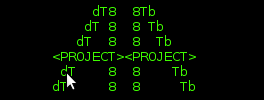
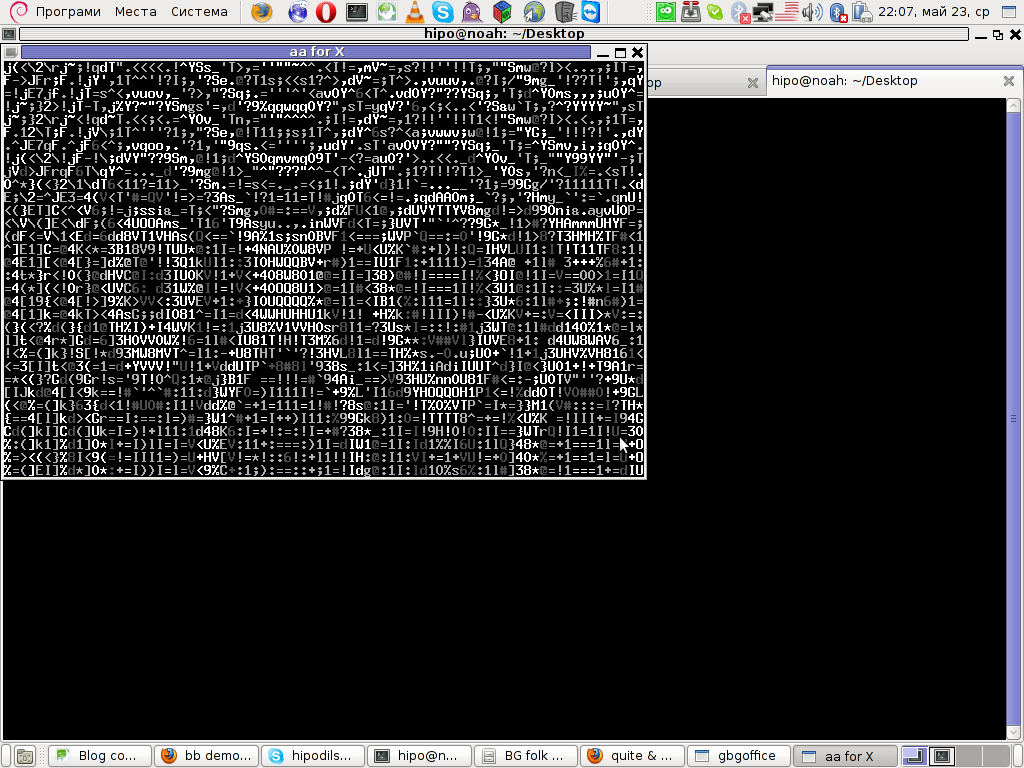
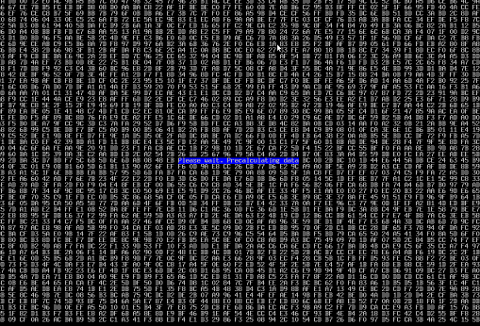
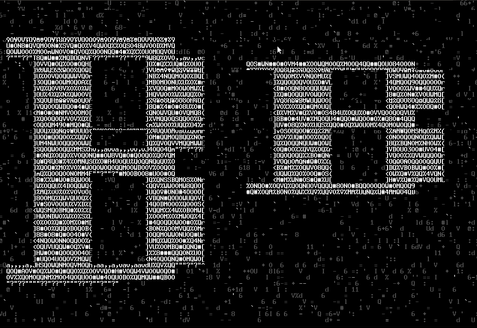
BB text ascii art Linux demo entry screen characters matrix

I still remember how much I was amazed seeing a plain ascii video stream was possible only Linux. Moreover the minimal requirements of bb were quite low for its time – it worked on mostly all PCs one can find at the time.

BB's minimum requirements to work with no chops is just an old 486/66 DX2 CPU Mhz with few megas of memory (32MB of memory was more than enough to run it)

BB text sacii art Linux demo entry screen char matrix

A very unique feature of bb was it was the first Linux demo that succesfully run simultaneously playing on two monitor screens as one can read on the project website.
Unfortunately I didn't owned two monitors back in the day so never ever had the opportunity to see it running on two screens.
Anyhow I've seen it runnign somewhere on some of the Linux install fests visited some years ago…

The demo was developed by 4 man group ppl – the AA group the same digital artists are also the guys behind the AA Project.

AA Lib mascot logo :)

The main aim of AA-lib was to make possible (Doom, Second Reality, X windows) to run rendered in plain ASCII art text.

The project succeeded in a lot of his goals already as there is already existent such an ascii art ports of large games like QUAKE! Be sure to check this awesome project too AAquake ascii quake page is here
, as well as video and pictures could be viewed under a plain console Linux tty or in terminal (via SSH 🙂 )

Thanks to AA-Lib even text mode doom exists.

bb as well as aa-lib has ports for most modern Linux distros in that number one can easily get rpm or deb packages for most of distros.
On Slackware Linux you should compile it from source. Though compilation should be a straightfoward process, not that i tried it myself but I remember a close friend of mine (a great Slackware devotee) who was the one to show me the demo for a first time on his Slackware box.

1. Installing bb on Debian Linux

Debian Linux users like me are privileged as for already many years a Debian package of bb is maintaned thanks to Uwe Herman

Hence for anyone willing to enjoy bb install it by running:

debian:~# apt-get --yes install bb
....
ho@debian:~$ bb

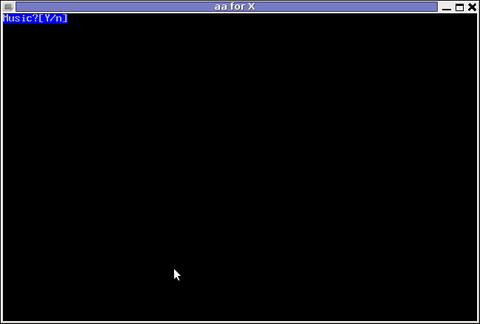
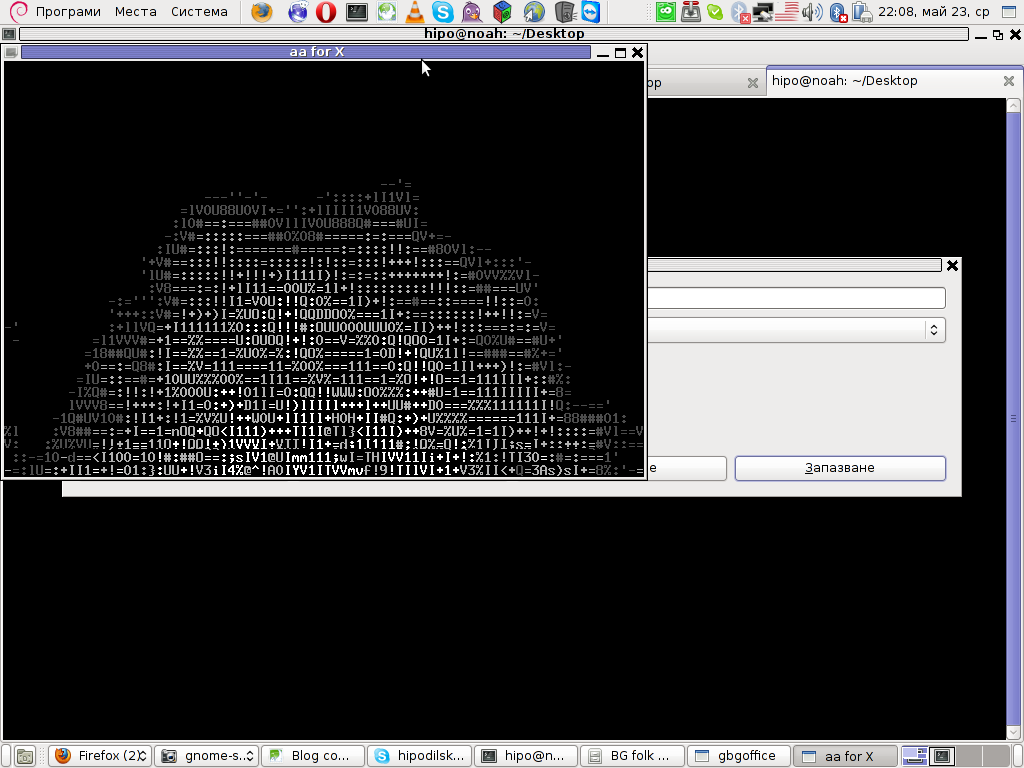
If you're running a X server the aa-lib will immediately run with its X server compiled support:

Running BB Music Screesnhot

2. Installing BB demo on FreeBSD

On FreeBSD, bb demo has a port to install it run:

freebsd# cd /usr/ports/misc/bb freebsd# make install clean ...

Here is good time to say that even though in most of the machines, I've tested the demo I had on some of the hosts problems with sound due to buggy sound drivers.
As of time of writting hopefully on most machines there will be no troubles as most of the Linux sb drivers are better supported by ALSA.

Everyone interested in both Free Software and ASCII art knows well how big in significance is the AA-lib project for the historical development and attraction for new hackers to the Linux dome.
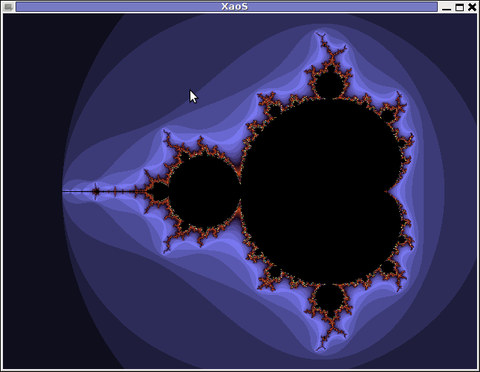
In that sense AAlib head developer Jan HubickaBy the way Jan Hubicka is also the author of another Linux tool called xaos. Xaos is a tool to deal with some kind of advanced higher mathematics stuff called fractals.

XAOS Screenshot Debian Squeeze Linux

Unfortunately I don't know a bit for fractal maths and what the purpose of the tool is but as you can see on the shot it looks nice running 🙂

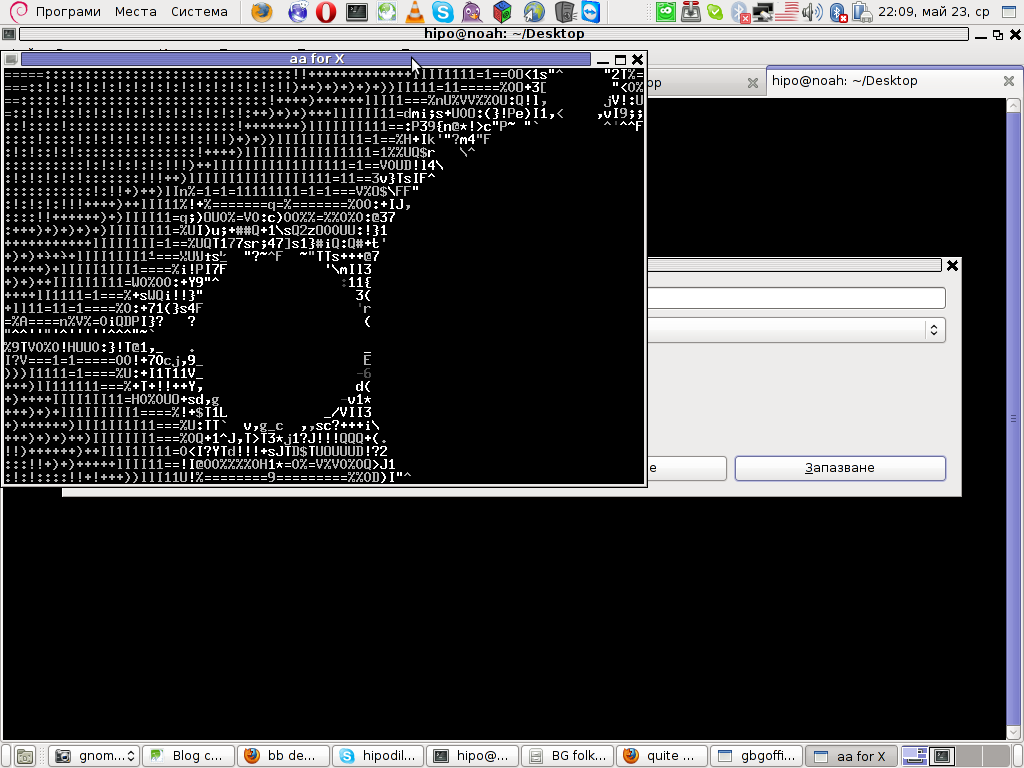
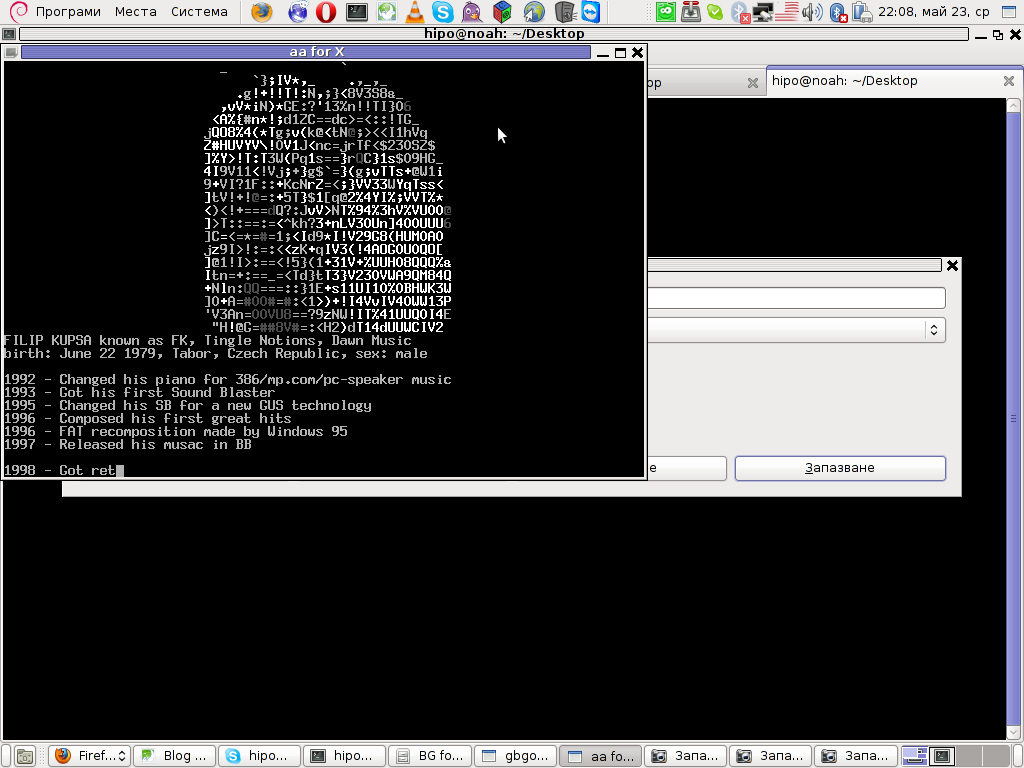
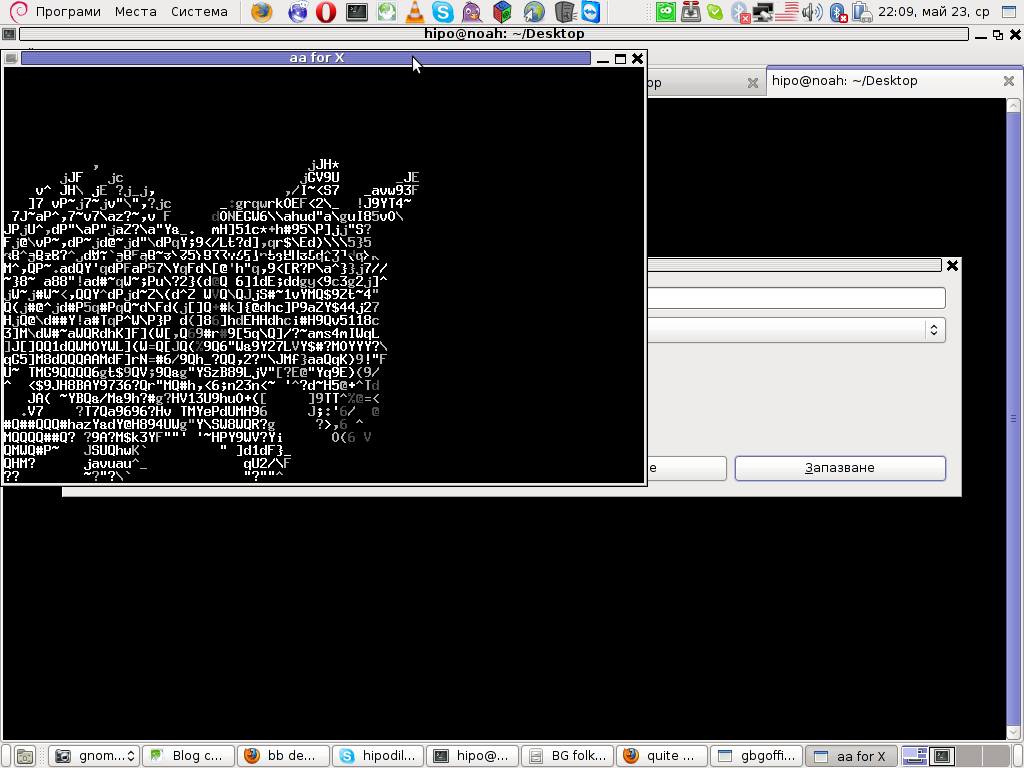
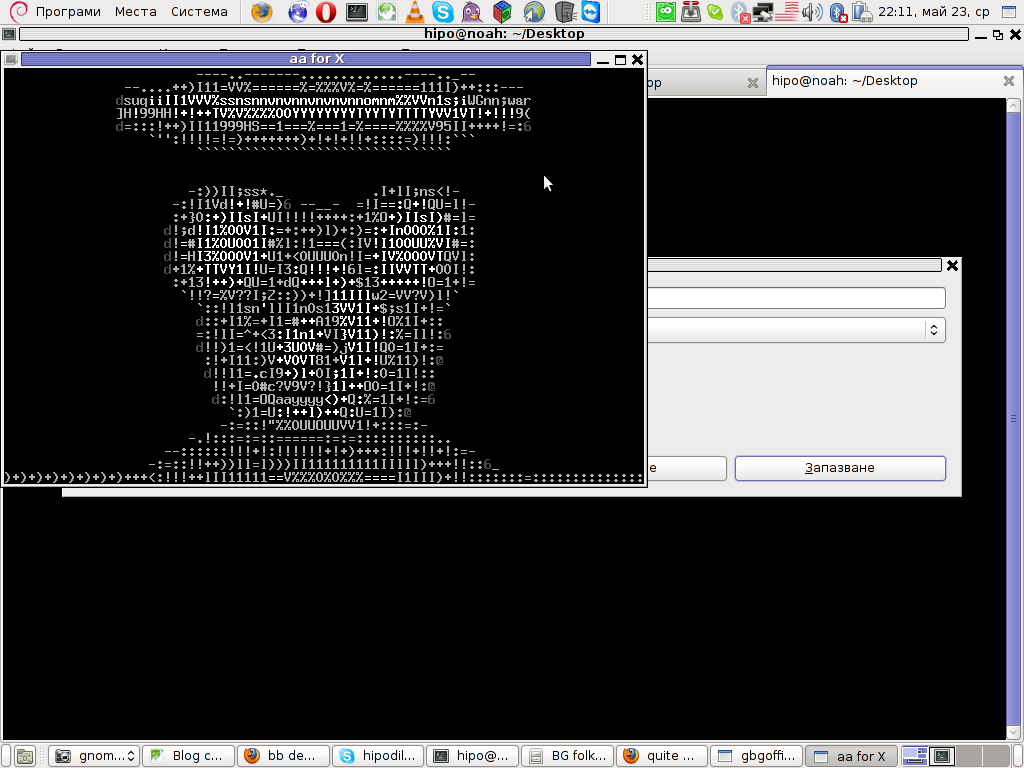
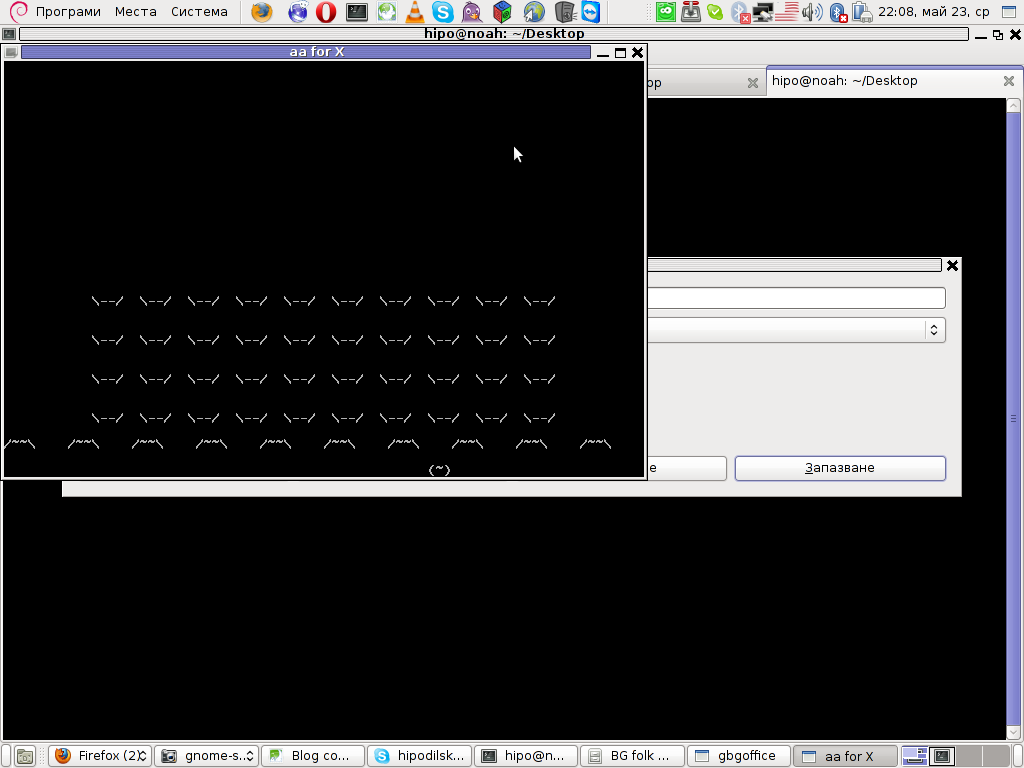
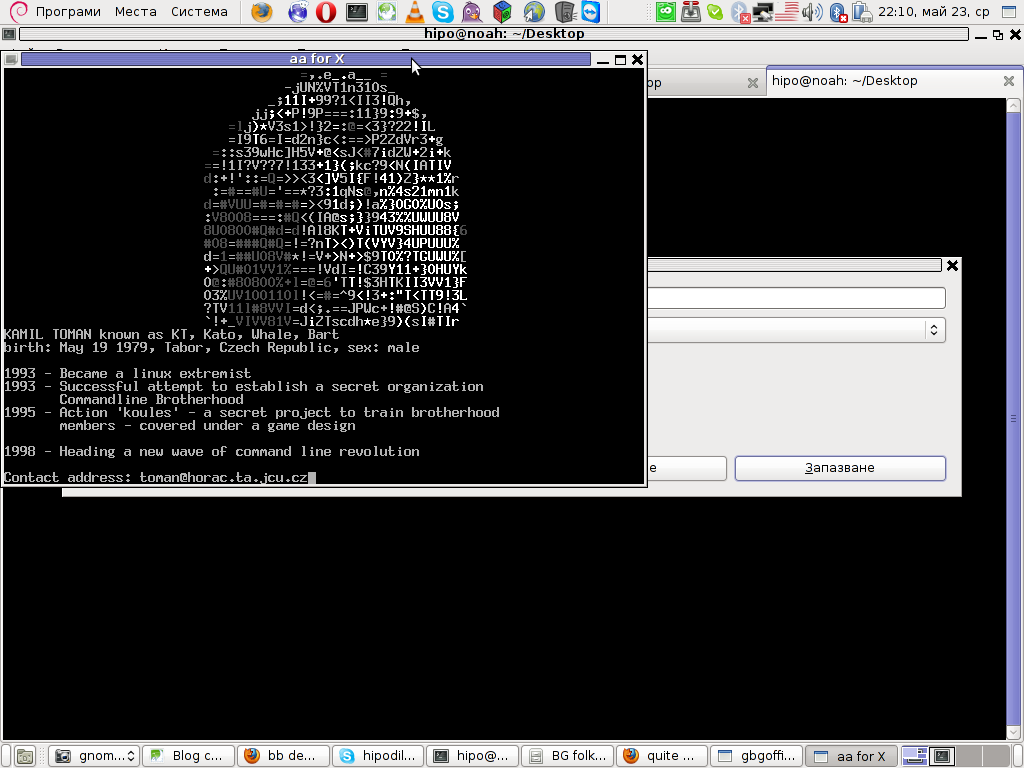
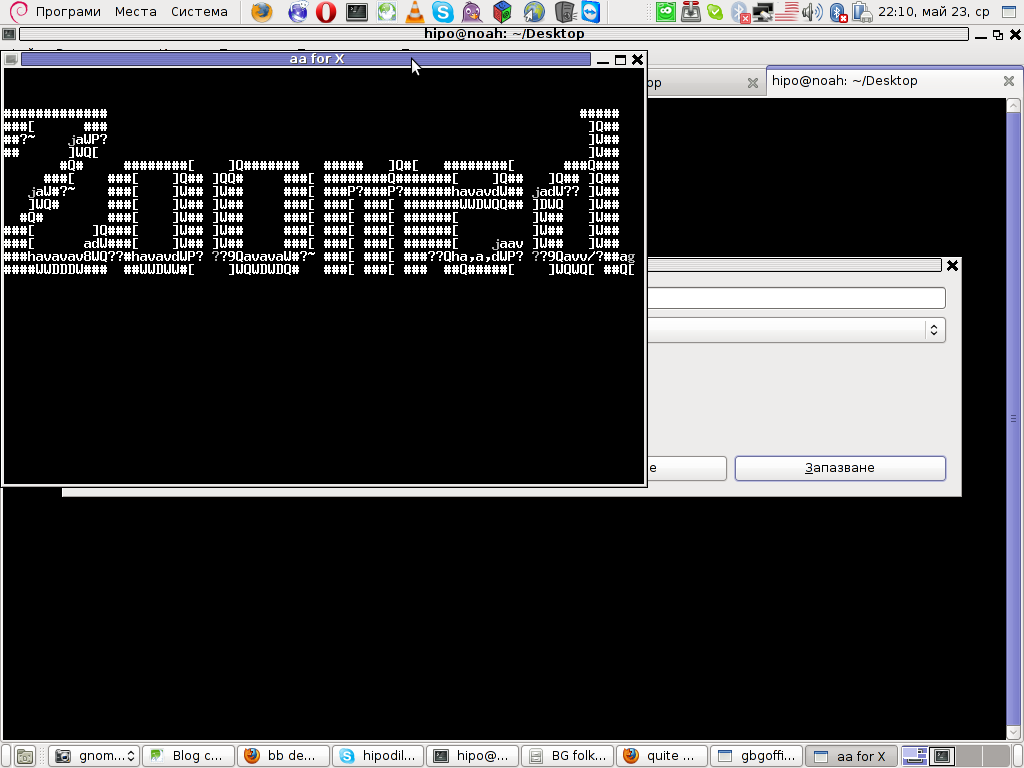
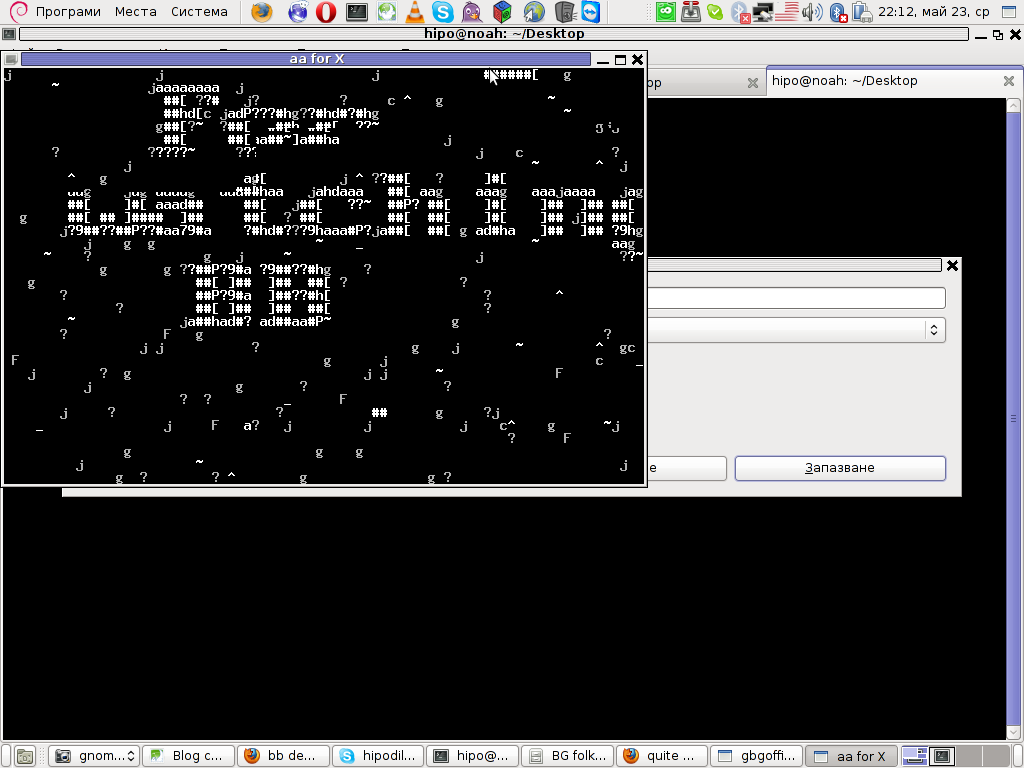
Here are also, lot of the major BB parts in shots:

Running bb music screen screenshot Linux Debian 6 Squeeze

BB AScii fire Linux shot

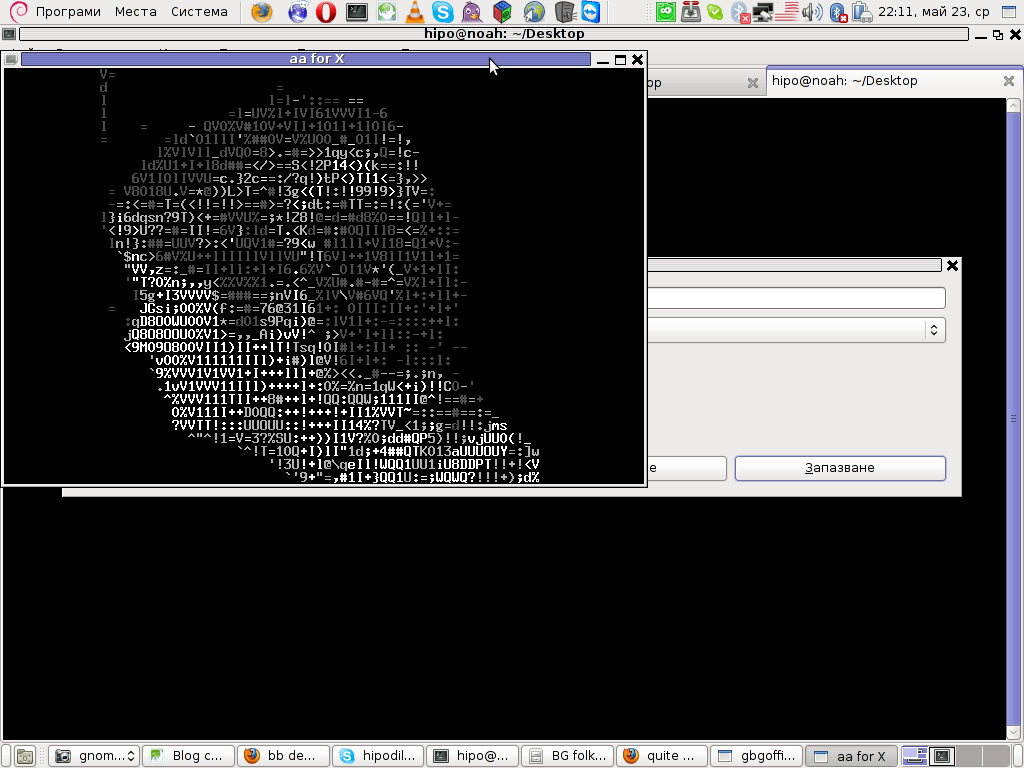
bb demo ascii art fractals

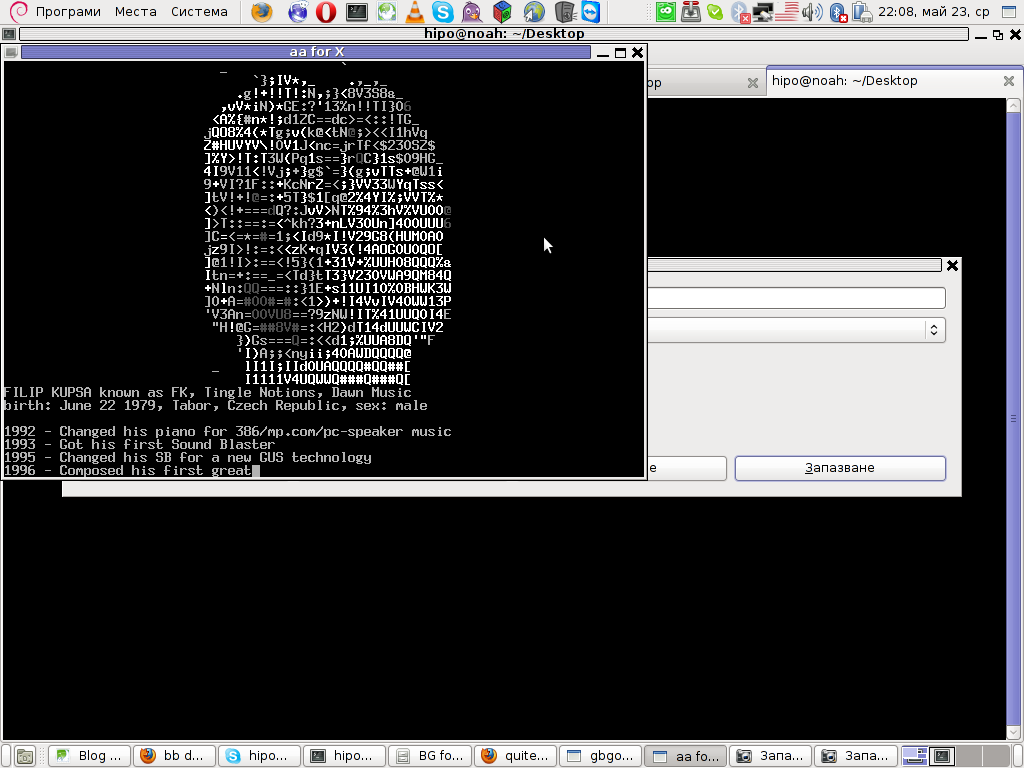
BB demo ascii art back head and description of the dev

bb demo ascii zebra Linux screenshot

bb demo cannon gun shot

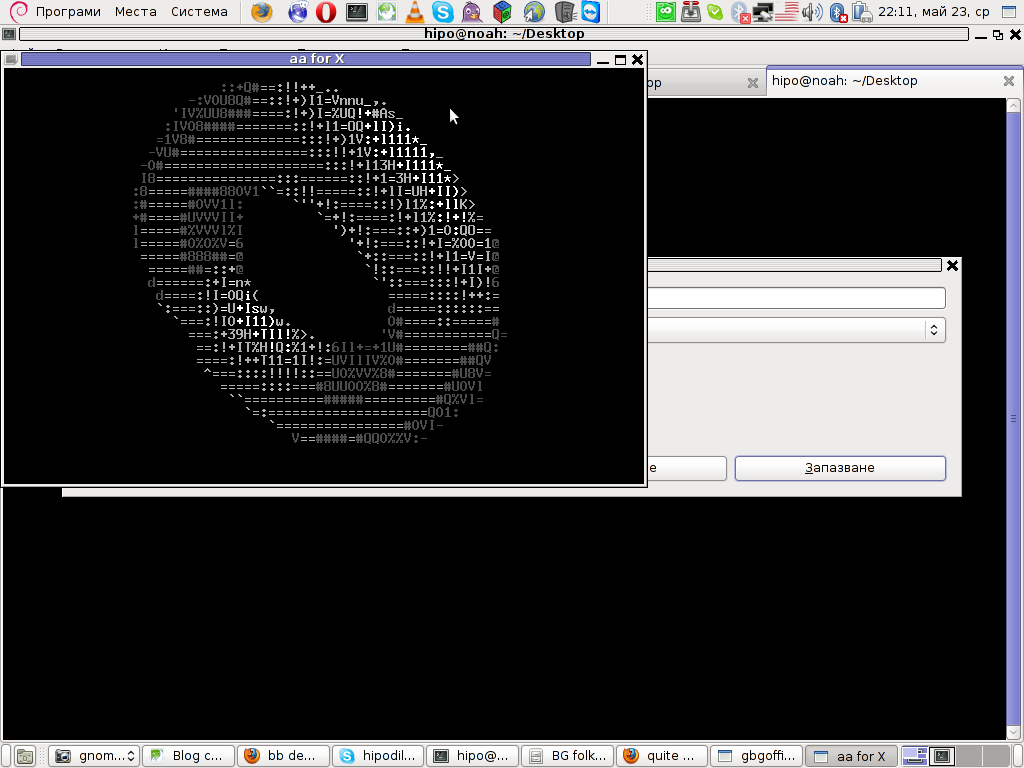
BB demo ring screenshot

BB demo spots Debian shot

BB developer head shot 2

BB developer profile shot

bb game ascii invaders demo

Linux extremist BB demo

BB demo zoomed text ascii art text

BB Demo thanks for watching screen

For those on MS-Windows OS platform, here is the demo 🙂

BB ASCII Demo standard size running in Linux (With sound)

Enjoy ! 🙂