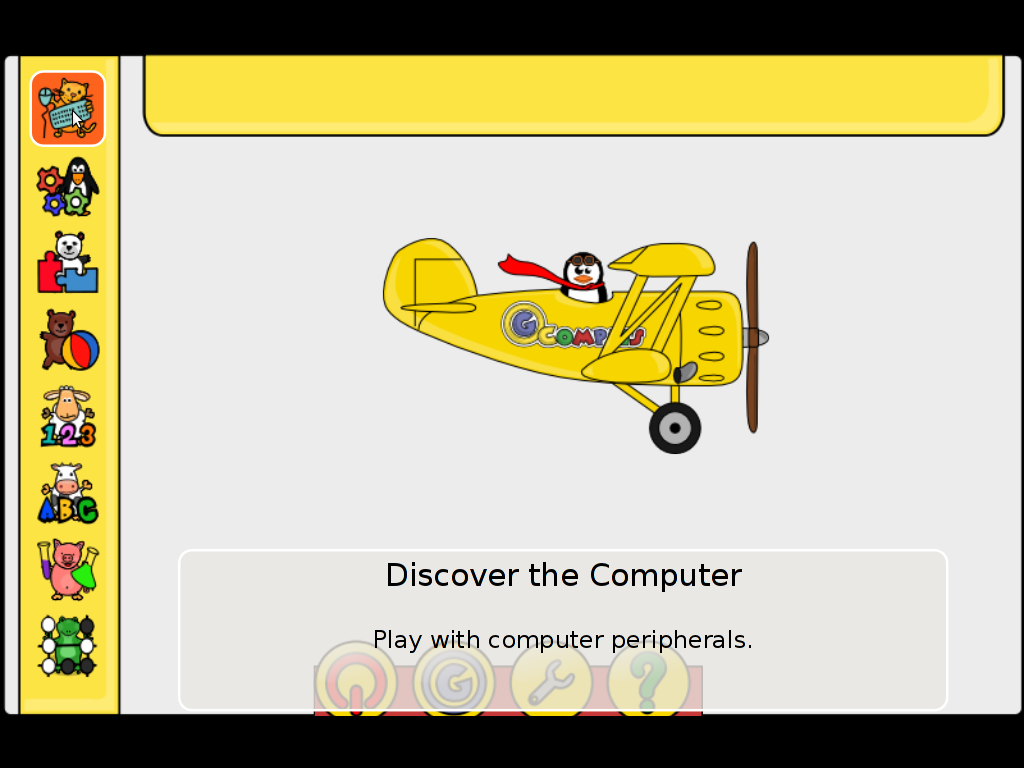
Gcompris is a great piece of software to educate children in the age interval of 2 to 10 years old.
Gcompris is a tool of educative and funny interactive computer applications many of which has a form of games.
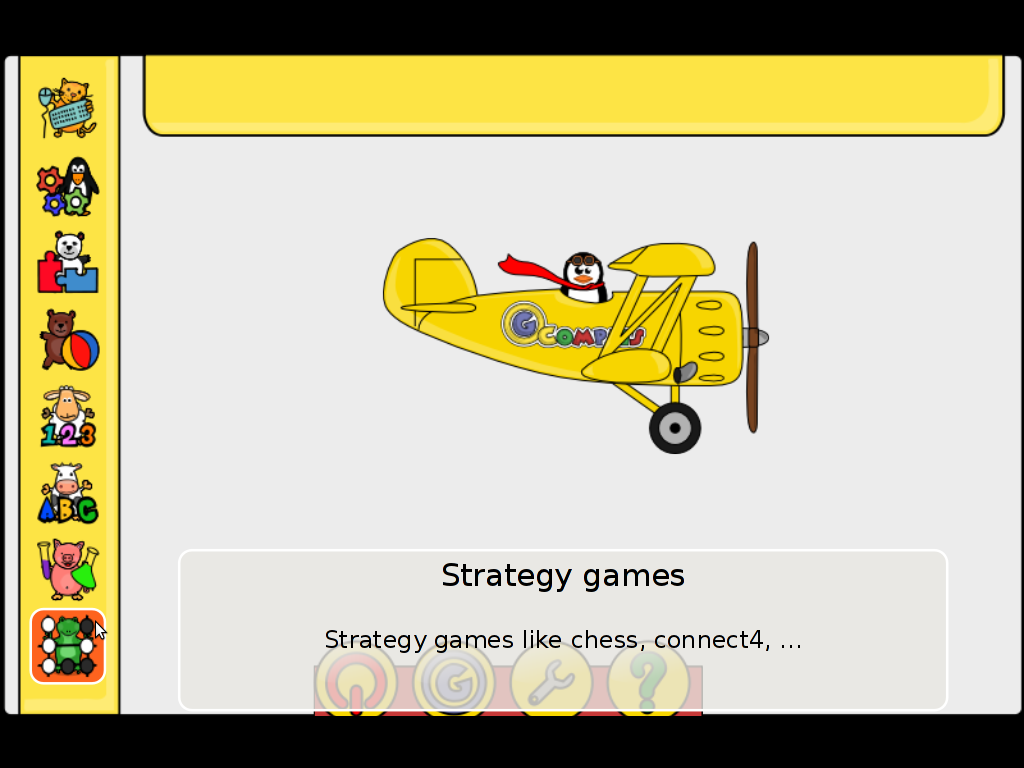
Gcompris is teaching the children on the following fields of knowledge:
- understand the computer – keyboard, mouse etc.
- Algebra – Summing up numbers, enumarations, table memory, mirror image etc.
- Science – The Canal lock, the water cycle, how a submarine works, elementary electric simulation
- Geography – Find out about country locations, Place the country on the map
- Games – Learn how to play chess, improve memory and memorization, sudoku etc.
- Reading – Learning to read fluent, reading practice
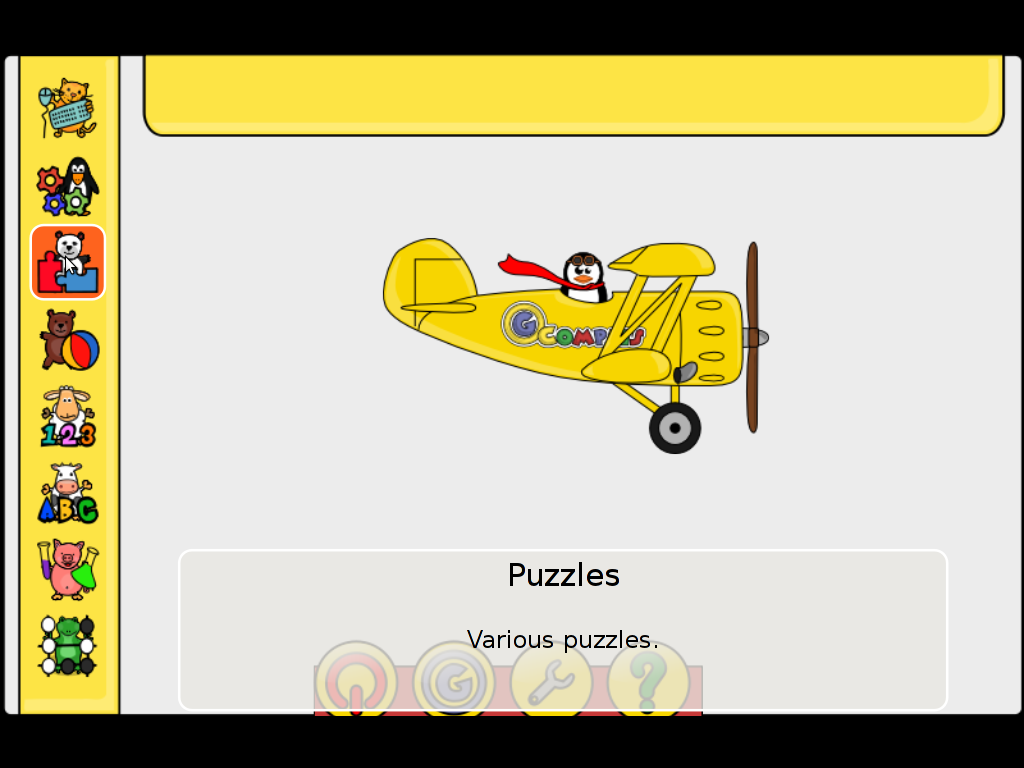
- Learn to proerply tell time, solve puzzle games and learn famous paintings, basic cartoon making, vector drawing
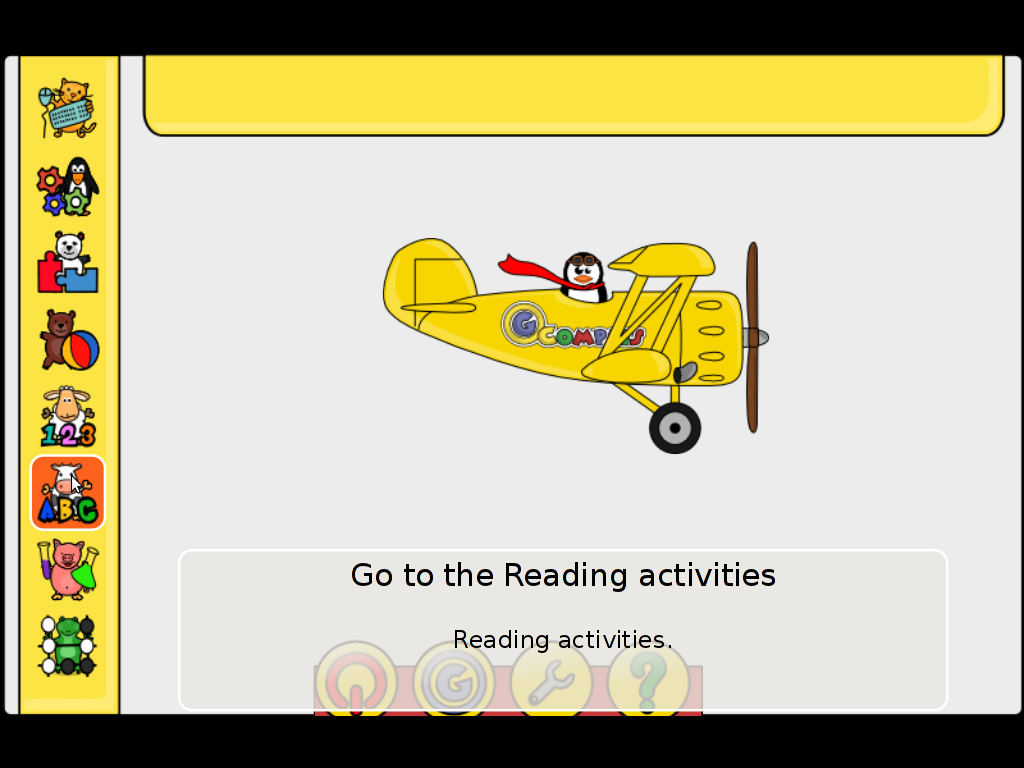
All the funny activities Gcompris educative kid tool offers 100+. Gcompris is in active development so with time more and more activities gets added.
Gcompris is a Free Software and among with its native GNU / Linux support it has ports for Windows and Mac OS X
The Free Software nature of Gcompris gives possibility to be easily adapted and further developed! Its really funny not only for kids, but even for adults. If you had a stressy day and you want to relax in a childish way and feel like a kid again, give it a try and you will be amazed how much light and happiness this computer program can bless you with 😉
Many of Gcompris activities has a little cute penguins and in general its capable of introducing the kids to the nice concept of the free software.
As a free software Gcompris is really great as among the rest of the so popular free software freedoms: to distribute and modify the software it comes absolutely free of charge (in money terms). This is great news for parents who are growing their kids in the “developing world”, the so called 2nd and 3rd world as well is a good alternative to the many available paid costly application and games aiming at kids brain development.
The name Gcompris is also known in free software realm under the name I GOT IT .Gcompris has currently Sound and text support for 33 Country Languages, here is a completele list of languages currently supported:
Arabic, Asturian, Bulgarian, Breton, Czech, Danish, German, Greek, English, Esperanto, Spanish, Basque, Finnish, French, Hebrew, Indian, Hungarian, Indonesian, Italian, Indian, Norwegian, Dutch, Norwegian, Punjabi, Portuguese, Portuguese, Russian, Somali, Serbian, Swedish, Turkish, Urdu, Chinese
Some of the languages supported still does not have a 100% translation but partially translated as its a question of time that enough translators are found to make the translations for all available major languages. The only 100% completed trasnlation as of time of writting is in French, Slovenian and Spanish
Gcompris is already included in almost all available moderm GNU / Linux distributions. A packaged version of it is part of Fedora, Debian and Ubuntu.
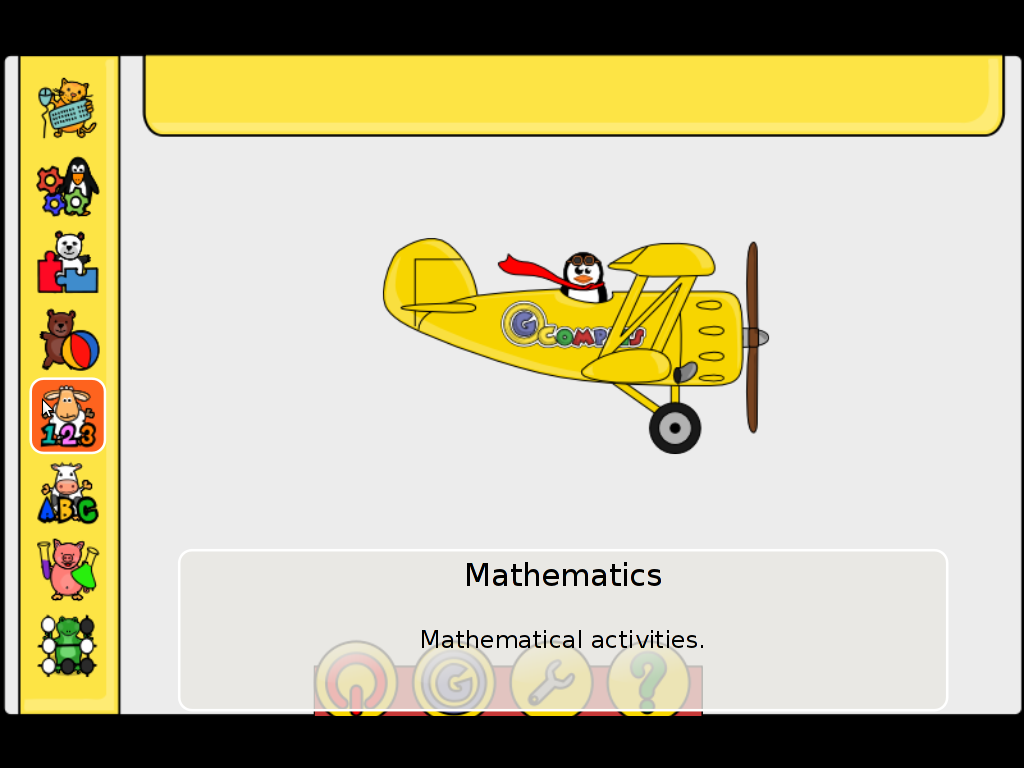
For all those parents who wish to educate their children on Fedora Linux install it with the GUI installer or yum with cmd:
[root@fedora ~]# yum install gcompris

...
On Debian and Ubuntu Gcompris is installable via apt from repos:
debian:~# apt-get install gcompris

...
To add a text and sound translation to Gcompris its also necessery to install the relevant gcompris-sound distribution package, for example to add the sound translations for my native Bulgarian language I had to install the package gcompris-sound-bg, e.g.:
debian:~# apt-get install gcompris-sound-bg

...
Gcompris is developed to use the Gnome’s GTK and is a perfect match for Linux users who already run a Gnome Desktop on their PCs.
Most of Gcompris versions should run without much hassle on Mac OS X and Windows so all mommies and daddies on Windows or Mac can install it and use it to educate their kids 😉
Here are few more screenshots of Gcompris
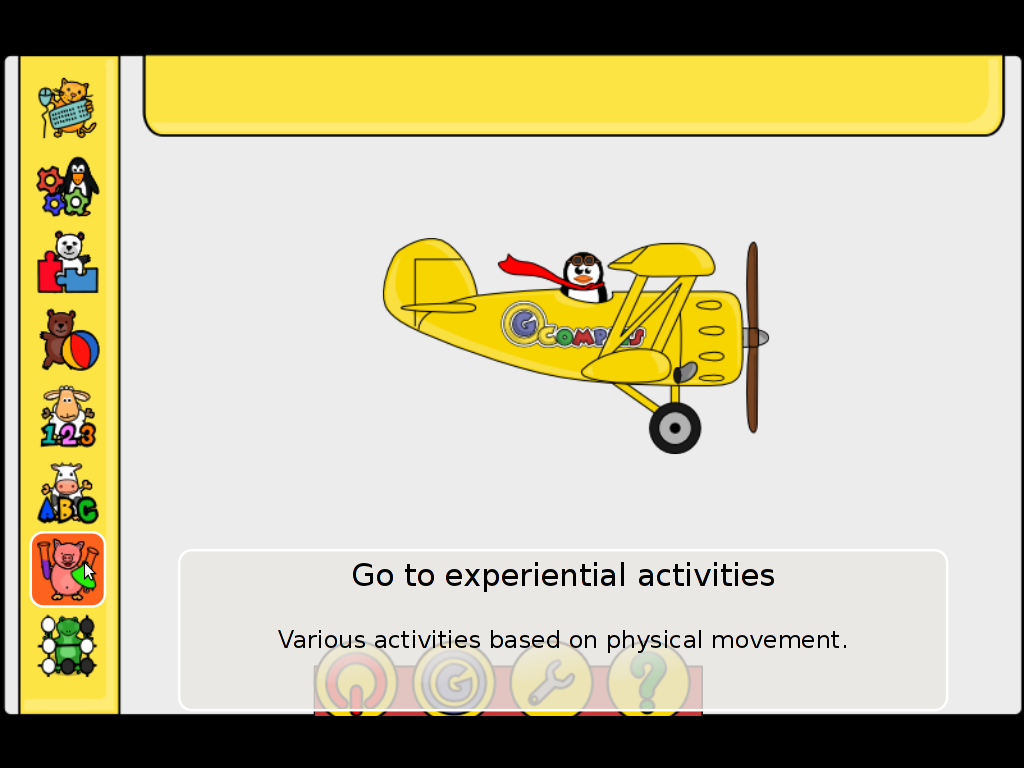
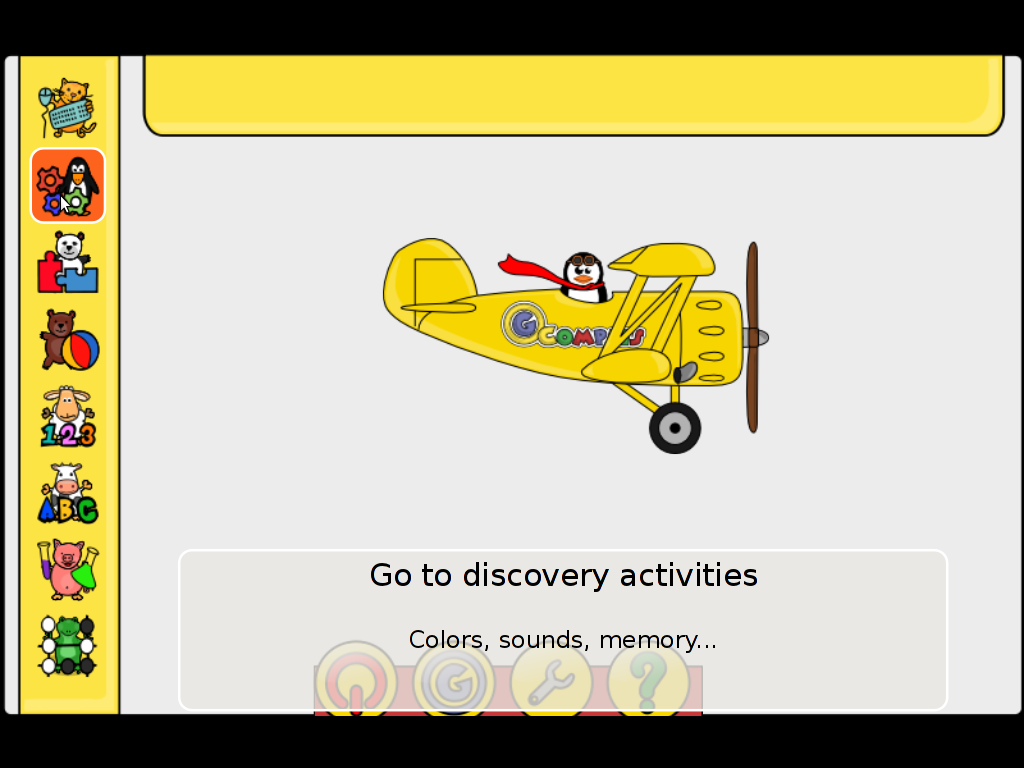
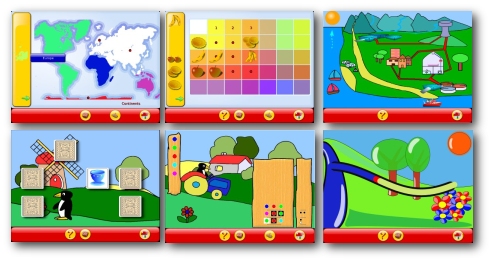
Gcompris also fits well with Tux for Kids Linux / Windows ready games also suitable for kids development. Gcompris and Tux for Kids makes Linux and free software more “children mature” and is a perfect to be used on kids educational computers in kindergartens or any educational institutions aiming at children development.
To sum it up, if you want to make your children smarter or you’re bored to death and you need to have some rest by going back to your childhood years give gcompris a try 😉







