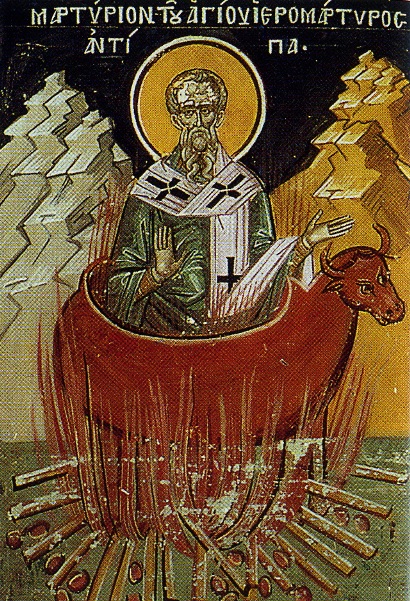
Saint Antepas of Pergamum
Saint Martyr Antepas commemoration in the One Holy Eastern Orthodox Church is on 11 of April. The veneration of this saint in the past centuries was great in both the Eastern Orthodox Church and the Western Church (The Roman Catholic Church), especially before the great schism in 1054. Saint Antepas was well known among people in the medieval times for being a saint invoked in troubles with a toothache and all kind of teech diseases which were a true plague in the prior ages as people did not have much knowledge on how to heal or recover teeths and usually in case when someone got a tooth ache the ultimate solution to remove the teeth.
His Vitae (Living) is mostly interesting as he is a saint according to Orthodox Church tradition that was one of the spiritual titans in the first century, where the church was mainly troubled by persecusion by the jews who refused Christ as Messiah, by the pagan crowds and starting from second part of I-st century officially persecuted by the Roman Empire authorities. In this bloody century for the Church where martyrs lay down the foundation of the Church many saints become a victims of jewish fanatism and pagans atrocities. Saint Antepas is one of those saints who at that time was a bishop of the Church of Pergamum mentioned in the Prophetic boof The Book of Reveletaion (the last book) of the Holy Bible book cannon that is included in every (protestant, anglican, orthodox, catholic Holy Bible). Saint John the Apostle the author of Book Revalation has been exiled on mount Paphos (today Cyprus) at time of Martyrdom of Saint Antepas. St. John the Apostle while being in the cave exiled, received in a vision by Christ the revelation of the furute things to come before the end of the world and antichrists false messiah appearance. Before his revelation it is not known whether saint John knew physically his brethren in Christ antipas but this hypothesis is little likely as appearance the book of Revelation has been revealed to John in a single vision by The son of God Jesus Christ where in mystical vision in which the merits and the deficiency of the Church has been presented of the 7 Churches of Asia Minor present at the first century in the world. The Church of Pergamum was one of the Seven Churches of which the Revelation speaks which surrounded by all kind of uncleanness, idolatry and satanic deeds of the Pergamum people and this diseases partially started even plaguing members of the Church who with time had fallen away from faith due to their sinful deeds and undesire for repentance. The book of Revelation mentions the martyrdom of Antepas as a truthful witness of Christ who steadily kept the faith in the Risen Christ enduring martyrdom. "I know thy works, and where thou dwellest, even where Satan's seat is: and thou holdest fast my name, and hast not denied my faith, even in those days wherein Antipas was my faithful martyr, who was slain among you, where Satan dwelleth.". Book of Revelations 2:13.
The spiritual State of the Church of Pergamum is described as follows,
"I know thy works, and where thou dwellest, even where Satan's seat is: and thou holdest fast my name, and hast not denied my faith, even in those days wherein Antipas was my faithful martyr, who was slain among you, where Satan dwelleth." Rev. 2:13
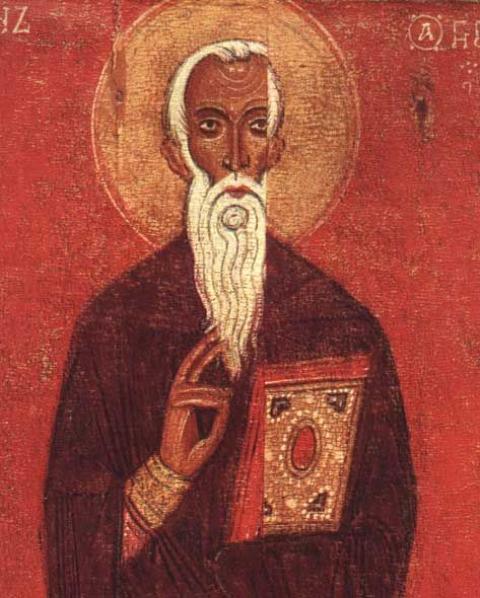
Saint Antepas was a missionary bishop who lived in time of Roman Emperor Domition II-nd, By the Revelations book we found out that in the 1st century the Pergamum Church Bishop has been a pious saintly man firm in his faith. The Church tradition's memory give us a little more details on the Martyrdom of Antepas.
According to tradition and history. The citizens of Pergamum (Pergam) were fanatic admirers of their pagan idols and spend their life in all kind of wickedness. Those who observed their lives got the impression that among them really lives satan himself. Among such uncleanness Antepas has been a true headlight in the dark night or like a rose among prickles, showing path to salvation through the three Christian main viritues of Faith, Pope and Love. Even though Antepas witnessed people ungodliness, he did not embarass from the malice of pagans, but on the contrary good heartedly and with a diligence performed his Christian obligations of a shepherd and preacher, revealing deceptions of idolatries and advised them to turn better for their good to the Truthful one God the creator and Ruler of Universe who has send his Only Begotten son to Cross on Golgotha to suffer for the sins of man and return the fallen man to the Holy Trinity God the Father the Son and the Holy spirit and by his suffering showing us the narrow but straight way to heaven of the Suffering by accepting one's personal Cross uniting and nailing it to Christ's cross by handing over all one's life to Christ.
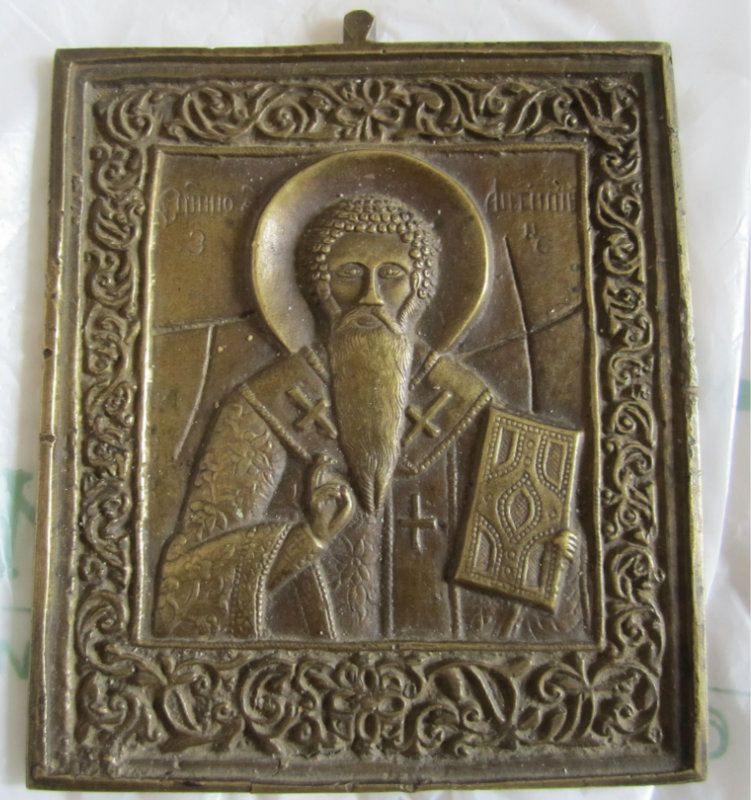
St. Antepas preaching turned quickly many of the pagns to Christ's Church. The pagans lost many of their faithful admirers, worshippers of the idols decreased highly and the toll for the idols as well (monetary funds for the shamans) in Pagan temple decreases. Antipas was blamed for his missionary work and revealing the truth to the blind by envious and hard-hearted, greedy idolatries.
In the same time Domitian being loyal to the Roman gods also proclaimed a persecution announcing christians as enemies of the empire. Attaining bravery by that the pagan priests catched Antepas and brought him before the city ruler, blaming him that he become a reason for the gods to become angry and as a reason for the so-called idols (thought to be gods) to stop caring about Pergamon in which they no longer received the high honor for their service to the idols.
– Is that true? asked the ruler of Pergamon – that you have been not giving veneration to the gods, and you teach the others to despire the gods and not give them honour?
This is why our city is suffering because the gods has been offended and no longer have mercy and take care about this place and our well being.
Leave out Christianity repent and give obbey our law. If you do not give honor to the idols and continue to despise the gods, we will torture you according to roman law.
Antipas replied:
– I AM CHRISTIAN ! And the unwise king's orded i cannot perform and to the false gods i will not obey.
To give you a concreate and clear answer I tell you, the so called gods are not gods and they have no power to protect the city.
Leave your delusions, repent for the wickedness and believe in Christ, who embodied from Heaven to save all humans.
He is the only true God and he is about to come again in the end of ages to Judge everyone according to their deeds – everyone will either receive a gift or punishment.
– What is that new teaching shouted enraged the city ruler. You do obey to some new invented by your own law and reject the ancient worships, given us by the fathers. Leave the new faith and stop venerating for God a man who was crucified shamefully as a villain in times of Pilates.
Obey the king order and live in peacefully. We'll help you everything, we'll love you as our sons, because your advanced age requires it – that we all love you and venerate you as a father.
Antepas replied:
– Nomatter what you tell me – I am not that reckless (foolish) for being lived until the old age and being near end of my earthly days, to leave the true faith and to retreat to the salvational faith. You will not deceive my mind because it is enlightened by the wisdom of the Divine books. If you do not repent and do not stop worshipping your idols and you do not believe in the True God you will perish (both physically and spiritually).
Maddened by raged, the pagans crow did not wanted to hear any more the words of the pious elder – bishop. They captured him and drag him to the pagan temple. There was an idol: a big bull, forged by copper. Heating him up till it become red and they throw in the Bishop Antipas. He did not feared but with joy made the Sigh of the Cross and reverently cry out in prayer:
– Oh God,m who have revealed the secret mystery of our our Lord Jesus Christ, thank you for all the good deeds to me in my life. Thank you, you have granted me in that hour to be written in the list of the martyrs for your teaching. Receive my departering from temporary life my soul and engift it with your Grace.
Enduring peacefully and with firmness the terrible torturs, saint Antepas prayed for his enemies and for the whole world. Gradually his bodily powers weakened and he quitly passed to Christ.
Christians with great honor and according to Church tradition buried the body of the saint martyr.
His Holy relics were saved and God has engifted them with the healing power.
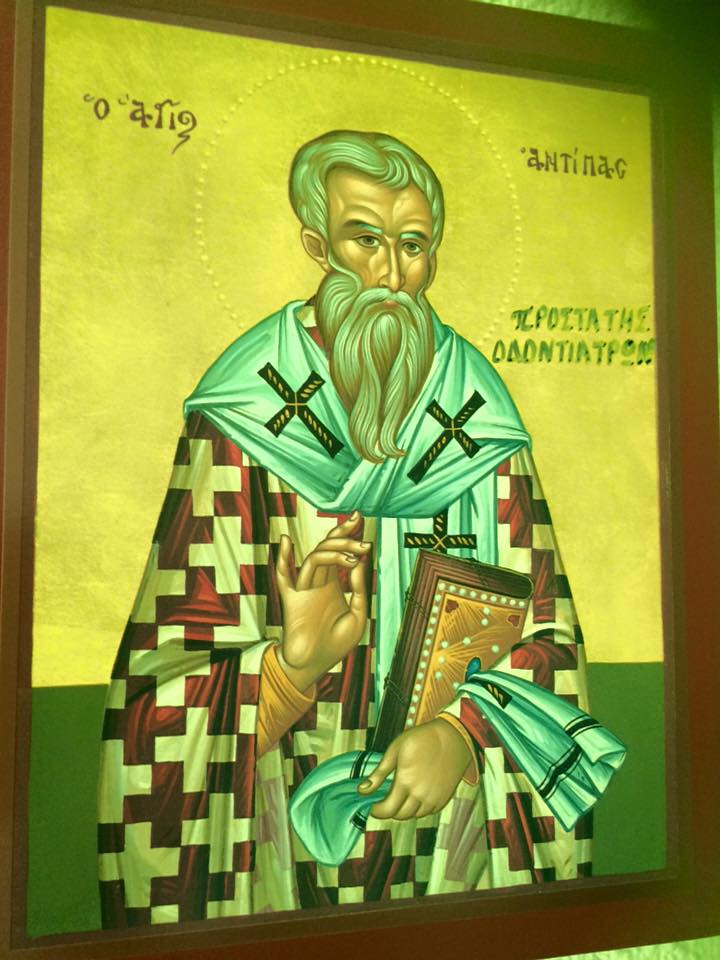
Fourth Sunday of The Great Lent Sunday of Saint John the Climacus.
Saint John Lestvichnik and his Book a Spiritual Ladder to Heaven (Lestvica)
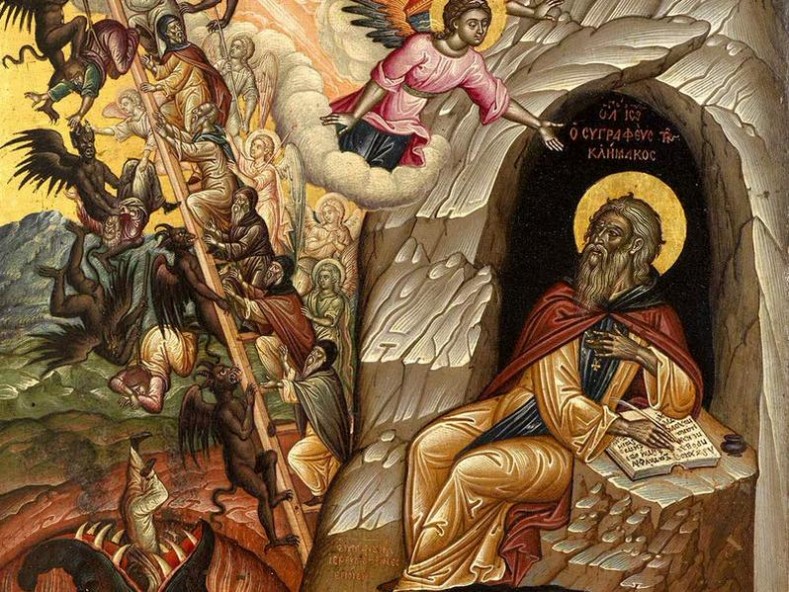
Fourth Sunday of the Great Lent – Saint John Lestvichnik / John the Climacus and his Ladder to Heaven
This year the second year of the "Coronavirus pandemy" 2021 the 4th Sunday of the Great Lent which every year commemorates the glorious Holy father and "a commander" of the Monks Saint John the Climacus / Saint John The Sinaites / John the Scholastic that lived in the 6th-7th century. He is mostly known in Bulgaria / Russia and the Slavonic Churches as Saint John Lestvichnik. Saint John was ascetic monk on the mount of Sinai born circa 579 and passed away to Christ year. 649 A.D. He is revered a saint in both Eastern Orthodox Church as well as the Roman Catholic Church and the rest of the Oriental Orthodox Churches, though he is lesser known in the in the Western world .e.g in Roman Catholic Church. Saint John eagered for a higher spiritual life and thus has spend 20 years in the desert in hermitage, studying and practicing the writtings of the holy fathers to advance his spiritual life and attain spiritual perfection by overcoming all the main passions that are a stopper for a man to become fully spiritually enlightened and reach "in the flesh" the kingdom of heaven and become a victor against the evil passions.
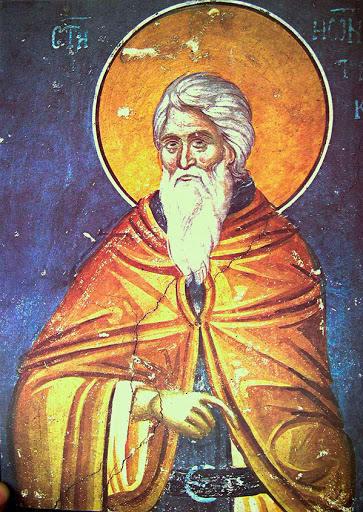
A lot can be said about saint John Lestvichnik and his world famous book Lestvica (Ladder ) Κλῖμαξ known in Latin world as Scala Paradisi a ladder of divince ascent.
In Lestvica the later chosen Abbot of Raitha Monastery st. John Lesvichnik describes to brethren monks on how to overcome different temptations and the attached moving passions and is well known in his life time for being a light beam for good truthtful spiritual lifesaint John Lestvichnik. Even Pope Gregory the Great wrote to him recommend himself to his prayers, and sent him a sum of money for the hospital of Sinai, in which the pilgrims were wont to lodge.
In the Book Ladder that should be tabletop book for all Christians,we hear of the ascetic practice of carrying a small notebook to record the thoughts of the monk during contemplation. Some parts of the books sounds scary and completely strange for the modern readers as we're all sunken in comfort and excessness of things.
Κλῖμαξ is mostly known in the Eastern Orthodox Church and highly estimated by anyone who actiively practices orthodoxy for being the best guide for a person to check his current spiritual life.
The Ladder describes how to raise one's soul and body to God through the acquisition of ascetic virtues. Climacus uses the analogy of Jacob's Ladder as the framework for his spiritual teaching. Each chapter is referred to as a "step", and deals with a separate spiritual subject. There are thirty Steps of the ladder, which correspond to the age of Jesus at his baptism and the beginning of his earthly ministry. Within the general framework of a 'ladder', Climacus book falls into three sections. The first seven Steps concern general virtues necessary for the ascetic life, while the next nineteen (Steps 8–26) give instruction on overcoming vices and building their corresponding virtues. The final four Steps concern the higher virtues toward which the ascetic life aims. The final rung of the ladder – beyond prayer (προσευχή), stillness (ἡσυχία), and even dispassion (ἀπάθεια) – is love (ἀγάπη).
Let by the prayers of Saint Antepas, Saint John Lesvichnik and Saint John The Apostle, the All Merciful God to have mercy on our Souls and veliver us from temptations and all evils in present and coming and grant peace and relief to all suffering for the truth and enlighten man to turn back in repentance to Christ !
Amen







