I just bought an USB Camera (my notebook doesn't include an embedded camera). The camera is some infamous brand chineese name Eilondo
and on the camera all that is written is SUPER USB2.0 1.3 mega pixel
I bought exactly this camera because I was said by the shop reseller that the camera works without any driver installations on Windows XP and Windows Vista
On my Debian Squeeze GNU / Linux it was detected in dmesg without any troubles, here is how the camera got detected in my kernel log :
 debian:~# dmesg |tail -n 10

[25385.734932] usb 2-1: USB disconnect, address 4

[25388.905049] usb 2-1: new high speed USB device using ehci_hcd and address 5

[25389.050753] usb 2-1: New USB device found, idVendor=1e4e, idProduct=0102

[25389.050757] usb 2-1: New USB device strings: Mfr=1, Product=2, SerialNumber=0

[25389.050760] usb 2-1: Product: USB2.0 Camera

[25389.050762] usb 2-1: Manufacturer: Etron Technology, Inc.

[25389.050936] usb 2-1: configuration #1 chosen from 1 choice

[25389.056056] uvcvideo: Found UVC 1.00 device USB2.0 Camera (1e4e:0102)

[25389.058242] uvcvideo: UVC non compliance - GET_DEF(PROBE) not supported. Enabling workaround.

[25389.059113] input: USB2.0 Camera as /devices/pci0000:00/0000:00:1d.7/usb2/2-1/2-1:1.0/input/input26
I was troubled by the message uvcvideo: UVC non compliance – GET_DEF(PROBE) not supported. Enabling workaround. , and hence looked for an application to test if the camera can recored properly.
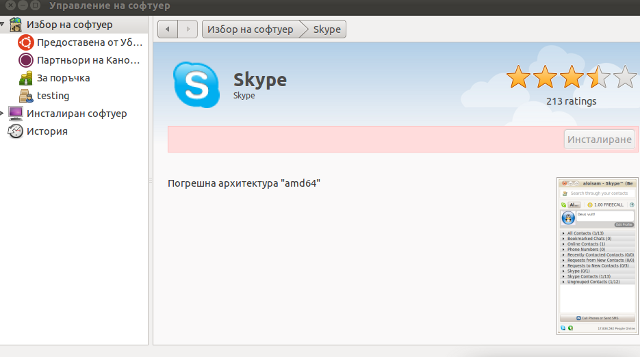
While checking in packages available in Software Center , I found a plenty of programs under the search keyword Camera
I however decided to test it using just one application Cheese – A tool to take pictures and videos from your webcam which I've seen to be quite popular among Liunx users.
Cheese is part of GNOME Desktop, so that was another reason I decided to give it a try. I was pleasently surprised about how good these tiny but functional proggie is.
To run Cheese in GNOME I nagivated to the menus:
Applications -> Sound & Video -> Cheese Webcam Booth
Just in case if Cheese is not installed, installing it with apt:
debian:~# apt-get install cheese
Cheese has capabilities to take pictures, a consequential photos take up, as well as create Video movies.
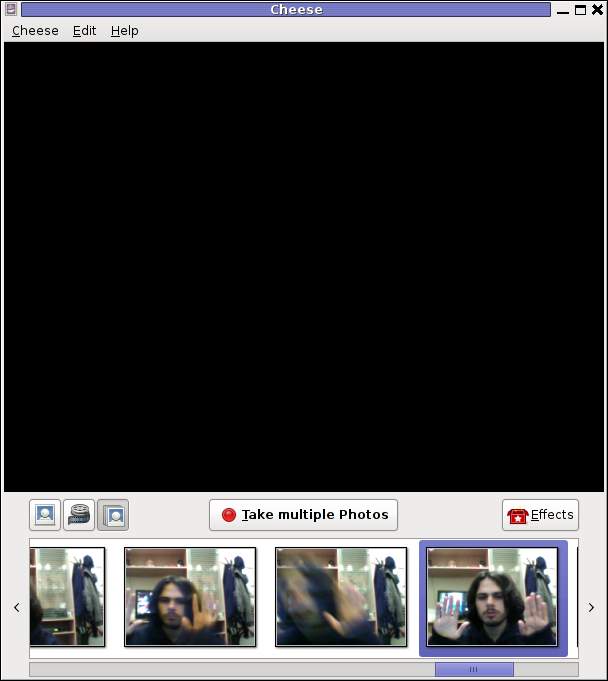
The program has support to apply 12 Effects / (Masks) to add some fun to the pictures or video snapshots.
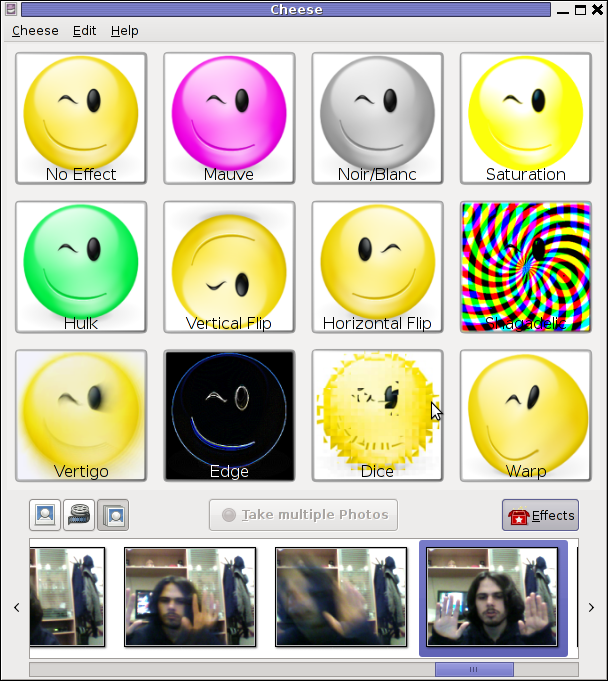
Probably the best thing about Cheese is its simplistic interface, which for me personally is a main criterion to evaluate a program quality ;).
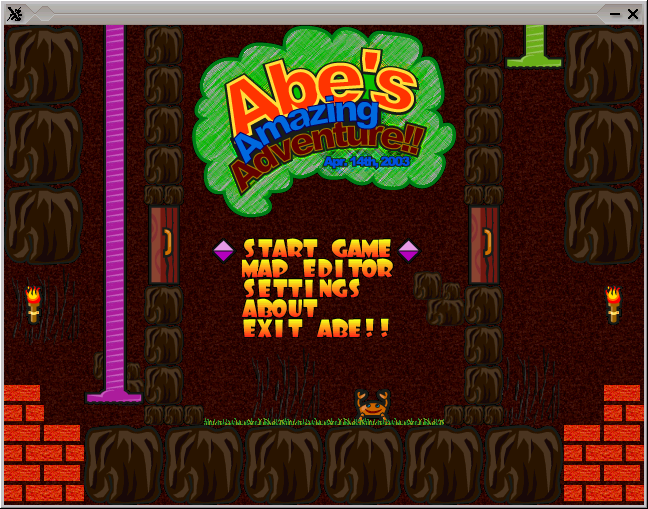
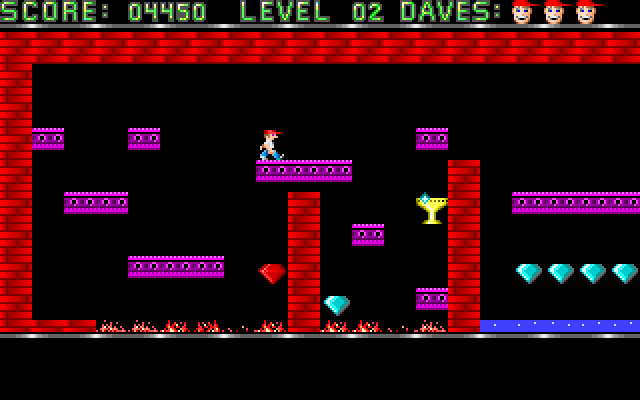
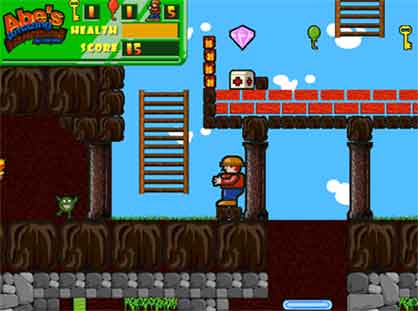
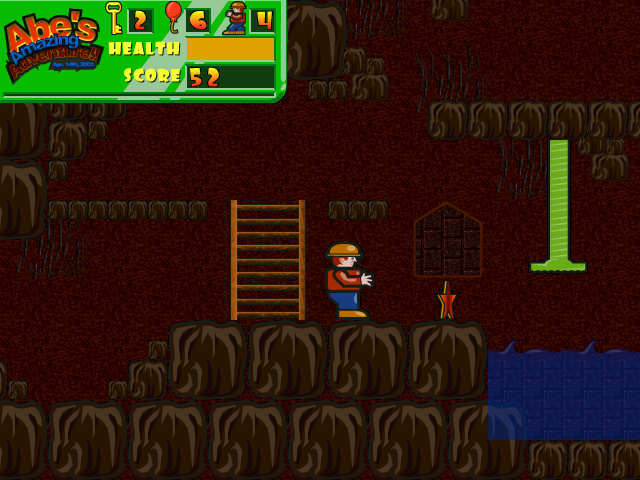
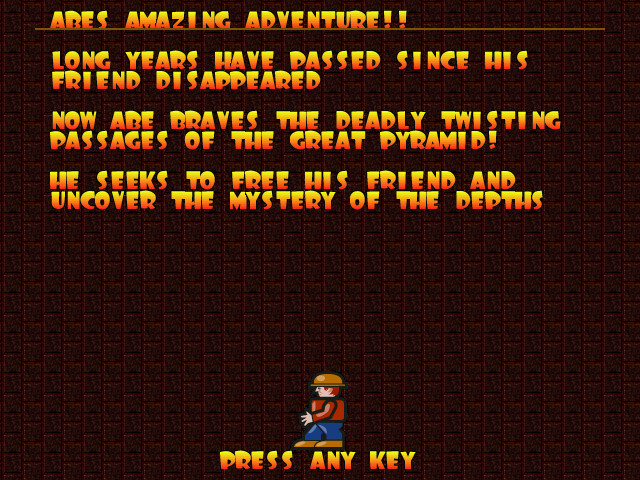 The game music is relaxing and more or less in the spirit of arcade games, the keyboard interactivety is pretty good as well.One thing I see can be improved to make the game better are the graphics, they’re a bit childish and too cubical, where sometimes some more general characters and obstacles animation will give the game a better look. Anyways for the year 2003 and for a free software arcade the game is not bad. For children and growing kids the game is just perfect, even for big kids like me its good to spend an hour of jump and run fun 😉